


The Physical Reality of Going Wide
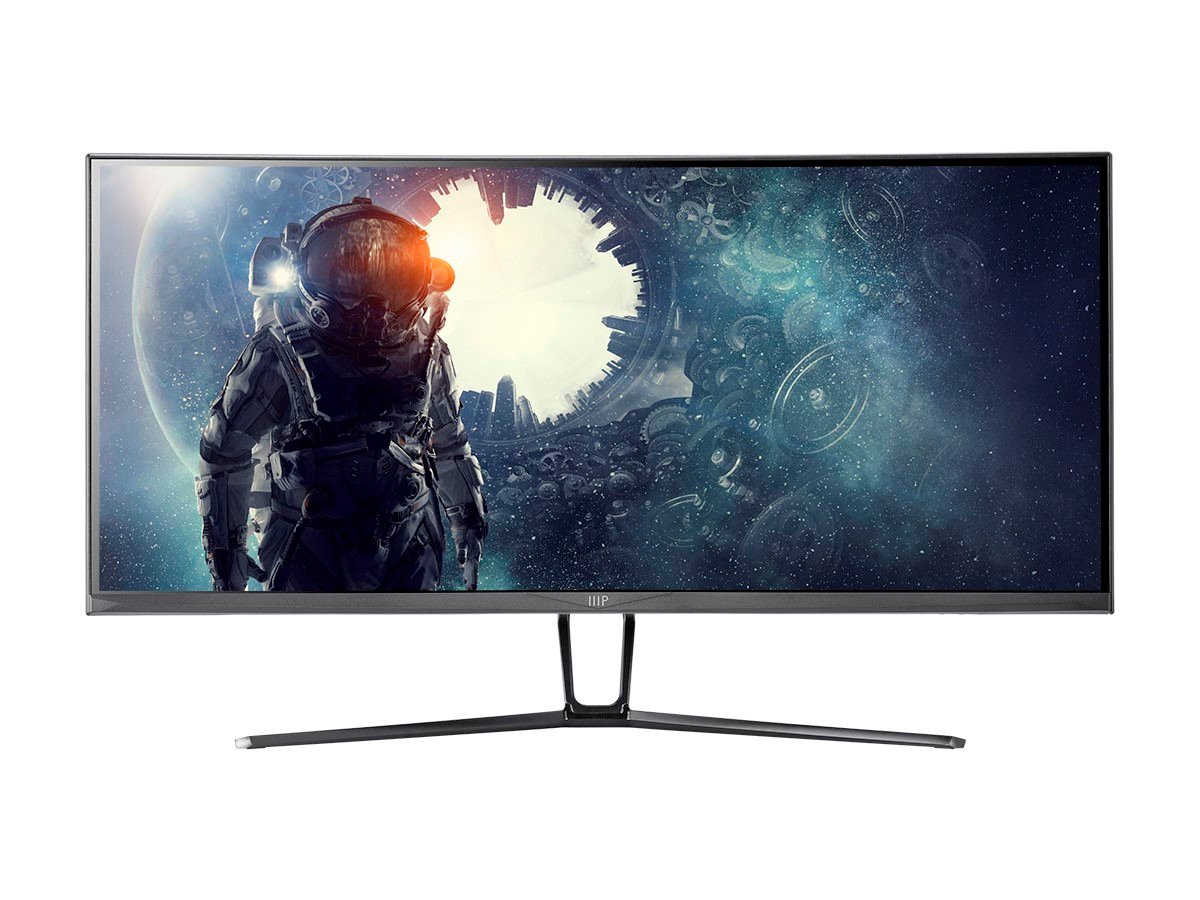
Monoprice 35in Zero-G Curved Ultrawide Gaming Monitor V2 - 1800R, 21:9, 3440x1440p, UWQHD, 120Hz, AMD FreeSync, 4ms, HDMI, DisplayPort, VA
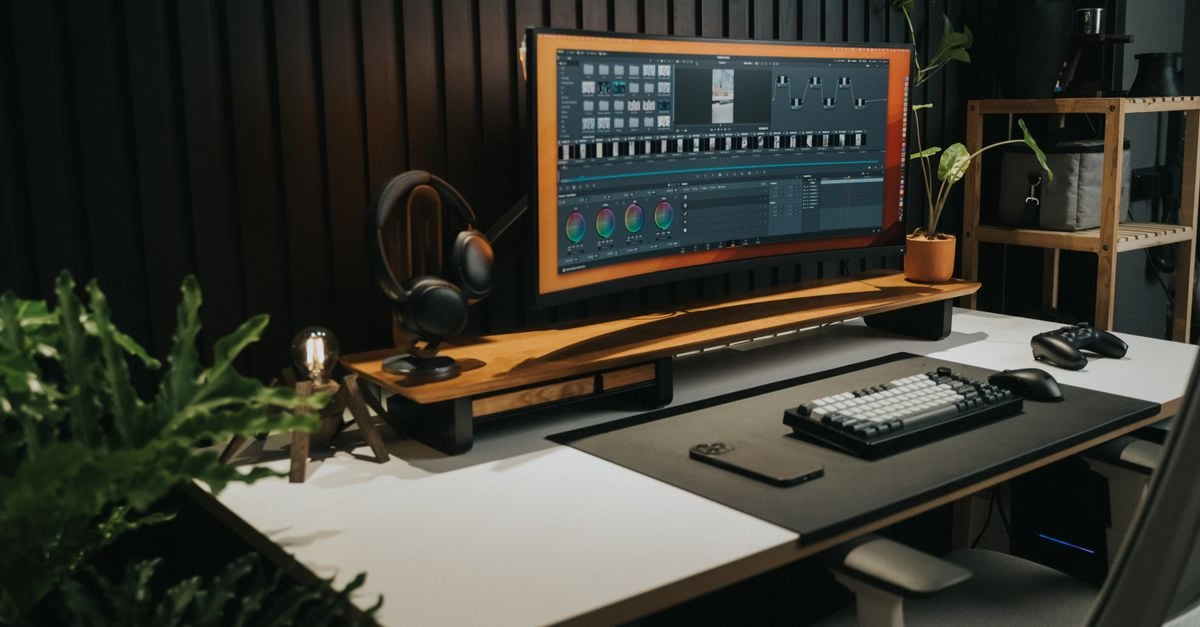
The conversation around ultrawide monitors often focuses heavily on pixel density, refresh rates, and color accuracy. However, recent industry analysis highlights a more fundamental issue: the sheer physical size of these displays. As noted by BGR, the biggest problem with ultrawide monitors is right at your desk. These screens are not just wider; they demand a substantial amount of uninterrupted desk real estate that many Canadian home offices simply do not have.
Unlike traditional 16:9 monitors, which fit neatly into standard desk configurations, ultrawide formats (typically 21:9 or 32:9) extend horizontally. This expansion forces buyers to evaluate their workspace geometry before considering image quality. If your desk is crowded with peripherals, keyboards, or other equipment, an ultrawide monitor may physically not fit without displacing essential tools or requiring a complete desk redesign.
Ergonomics and Compatibility Trade-offs
Beyond the spatial constraints, the usage experience introduces distinct ergonomic and technical trade-offs. Research into ergonomic health indicates that the extended width of these monitors can contribute to neck strain. Users often find themselves twisting their necks to view content at the extreme left or right edges, maintaining a static, twisted position that can lead to discomfort over long work or gaming sessions.
Furthermore, the ecosystem support for ultrawide resolutions is not yet universal. While major titles and professional software have improved support, occasional compatibility issues persist. Some applications, games, or video players may not scale correctly, leading to black bars, stretched images, or interface elements that spill off-screen. For consumers investing in premium hardware, these software limitations can diminish the intended seamless experience, making the larger price tag harder to justify if the content does not fully utilize the extra pixels.

Weighing Immersion Against Practicality
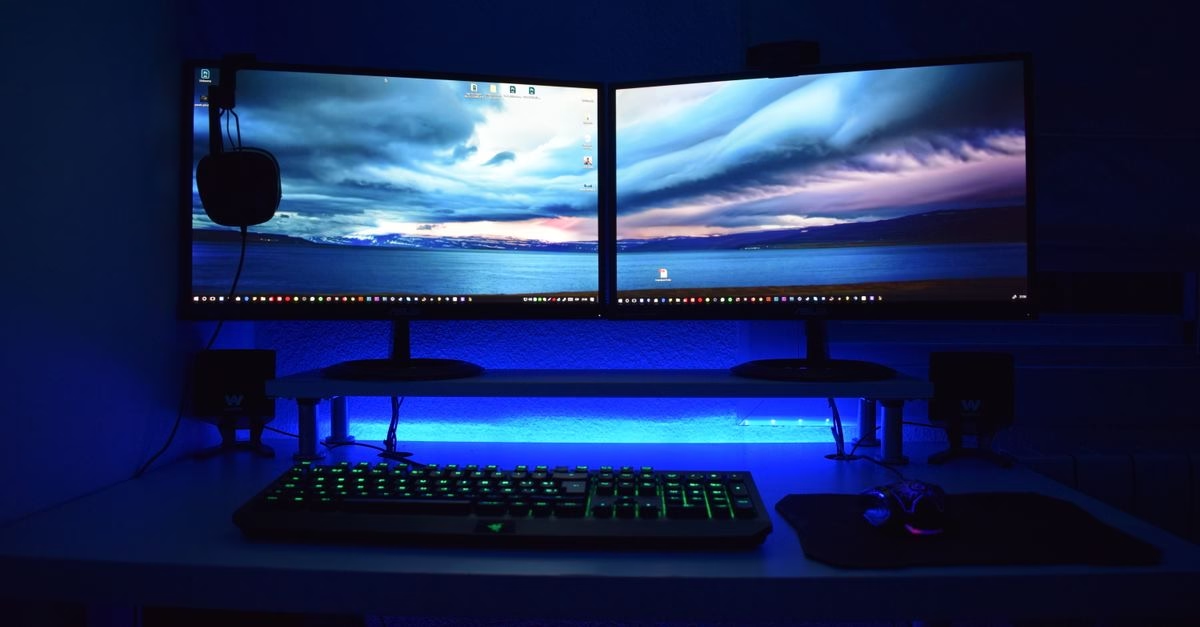
The decision to adopt an ultrawide monitor ultimately hinges on a balance between immersive benefits and practical limitations. For those with ample desk space and a need for extensive multitasking or specific gaming immersion, the format offers undeniable advantages. However, for users with constrained workspaces or those prioritizing long-term ergonomic comfort, the physical and health costs may outweigh the visual gains.
Before committing to an ultrawide setup, it is crucial to measure your available desk space accurately and consider your viewing habits. The technology continues to evolve, but the physical realities of desk size and human ergonomics remain constant factors in the equation. Buyers should prioritize setups that support healthy posture and efficient workflow over raw screen width alone.





