


The Shift Toward Portable Workstations
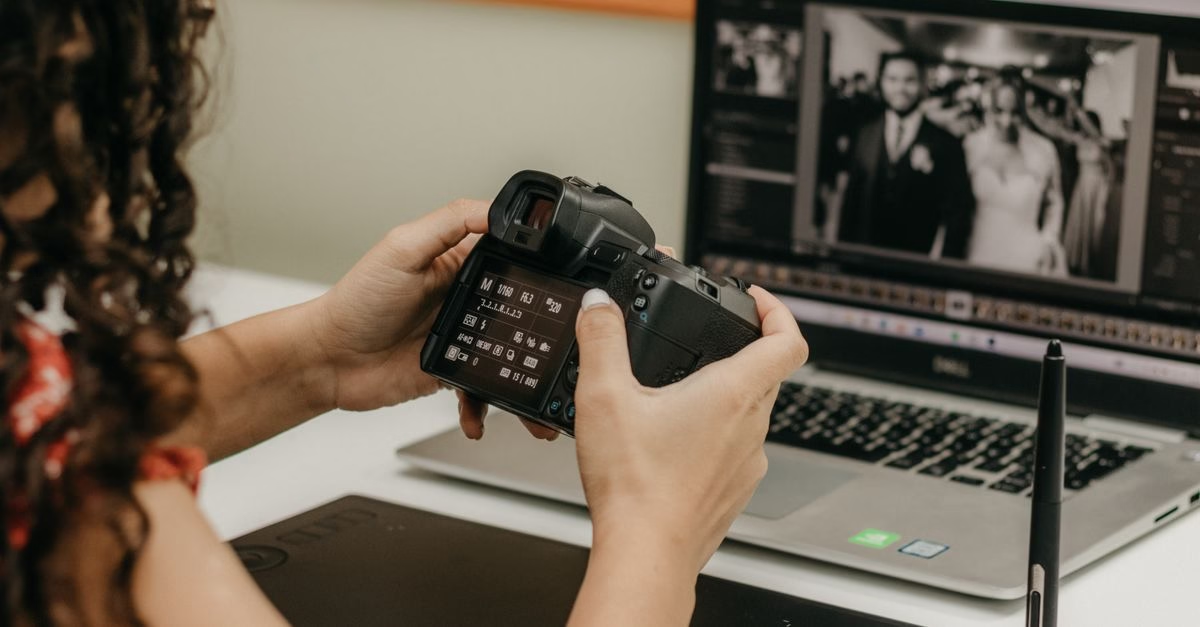
Recent industry coverage highlights a growing trend among photographers who are moving away from static monitor setups in favor of dedicated editing tablets. This shift is driven by the need for flexibility, allowing creatives to work anywhere rather than being tethered to a desk. The focus is no longer just on raw processing power, but on the balance between display quality, portability, and integrated software ecosystems. Editors are now evaluating devices that can serve as both primary workstations and secondary mobile tools, depending on the project demands.
Specs That Define the Modern Workflow
The viability of this transition hinges on specific hardware capabilities that match professional needs. For instance, the Huawei Pad 8 Pro features an 11.2-inch display with 3.2K resolution and a 144 Hz refresh rate, which closely mirrors the smaller iPad Pro models. However, its base configuration includes only 256 GB of storage and 8 GB of RAM, which may be limiting for heavy workflows; upgrading to 512 GB and 12 GB of RAM costs an additional $40.
On the other hand, Apple’s iPad mini utilizes a Liquid Retina display covering the P3 wide color gamut and reaching 500 nits of brightness. While powered by the A17 Pro chip rather than the more potent M-series processors, it remains capable of handling significant photo edits. The larger iPad Pro models continue to offer the most room for splitting apps across the screen, catering to those who require extensive multitasking space.
Choosing the Right Tool for the Job
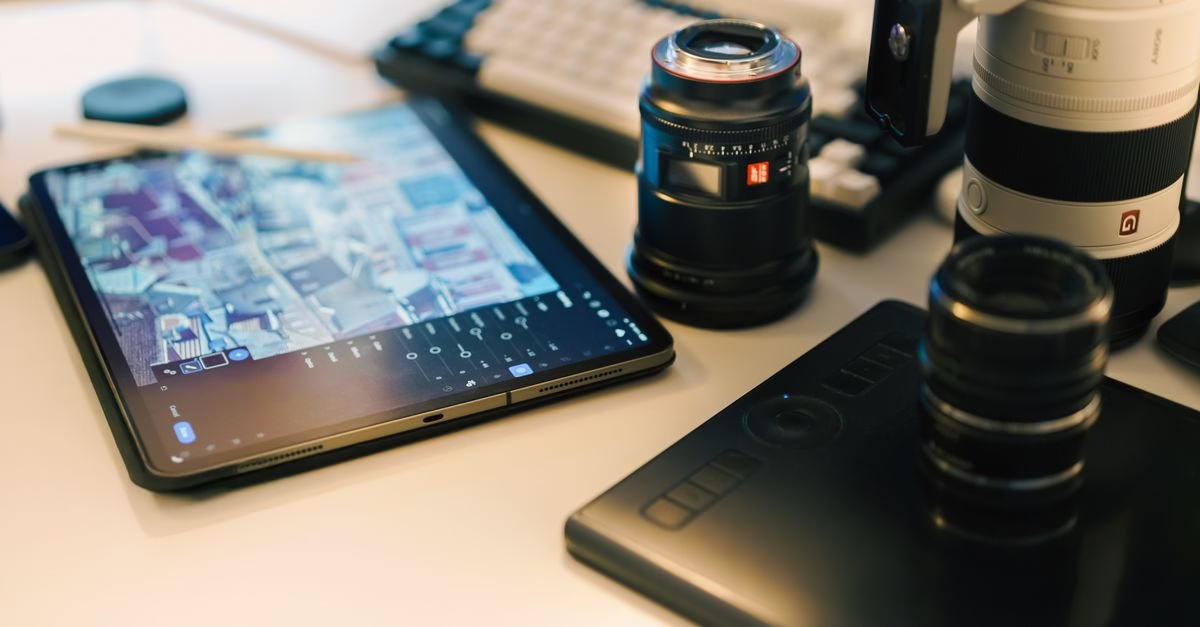
For Canadian photographers and digital artists, the decision to switch to a tablet involves weighing portability against screen size and processing limits. Devices like the iPad Pro M5 series remain top-tier choices for those needing maximum performance and screen real estate, while smaller options like the iPad mini suit users prioritizing compactness. The Huawei Pad 8 Pro presents a compelling alternative for those seeking high refresh rates, provided they account for the necessary storage upgrades. Ultimately, the choice depends on whether the user values the freedom of movement or the expansive workspace of a traditional monitor setup.






