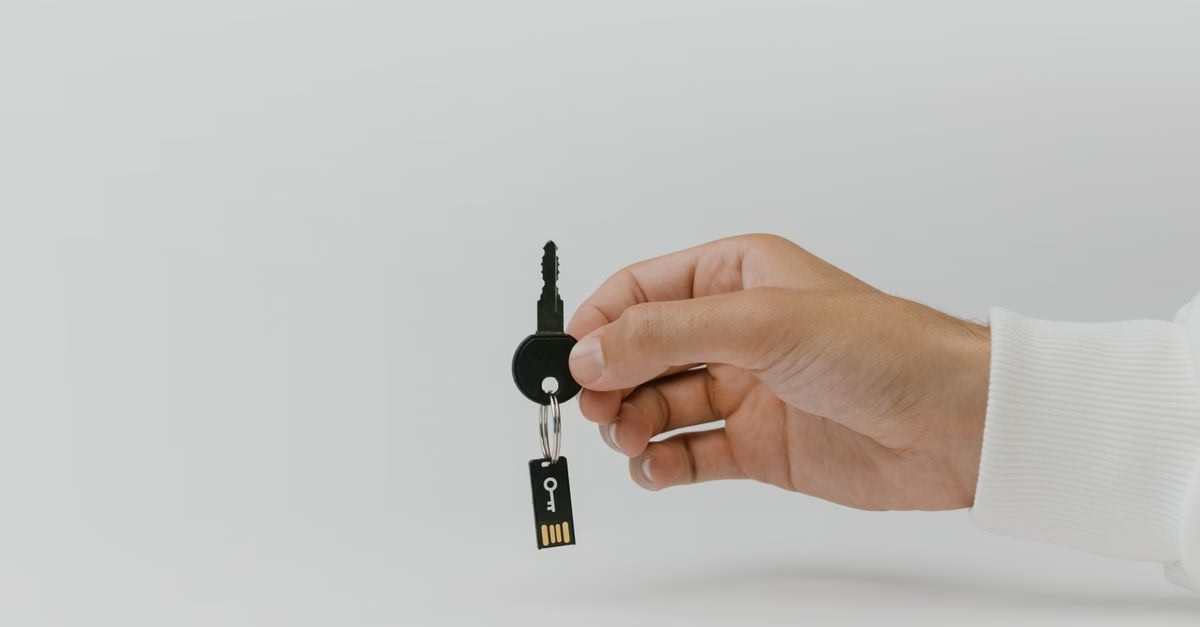
Rescue Ready: The Low-Cost Emergency Tool
According to a recent report from BGR, a standard keychain USB gadget priced around $10 can serve as a critical lifeline for a broken computer. While these drives are often marketed for file transfer or cleaning dust out of keyboards, their true utility lies in disaster recovery. By storing a complete disk image on the drive, users can bypass a corrupted operating system and boot directly into a functional environment.
The concept is straightforward but powerful. Instead of relying on expensive professional services or complex cloud-based recovery solutions, a user can keep a physical backup ready in their pocket. This transforms a mundane accessory into a specialized tool capable of restoring access to data when internal hard drives fail or software conflicts render a machine unusable.
Why Physical Backups Beat Digital Panic
This development matters because it democratizes data recovery. Many consumers assume that saving a crashed PC requires technical expertise or significant financial investment. A $10 device challenges that notion by providing a tangible, accessible solution. For Canadian users who may face high service fees at local repair shops, having a pre-prepared bootable drive offers immediate control over the situation.
However, the effectiveness of this method depends entirely on preparation. The source material highlights that the drive must contain a valid disk image created before the failure occurs. Without this prior setup, the hardware alone cannot solve the problem. It serves as a reminder that proactive maintenance—such as regularly updating backups—is just as important as owning the right tools.

Additionally, while related coverage mentions other USB gadgets used for cleaning tech debris, this specific application focuses on system integrity rather than physical maintenance. The distinction is crucial: one keeps your hardware clean, the other keeps your data alive.
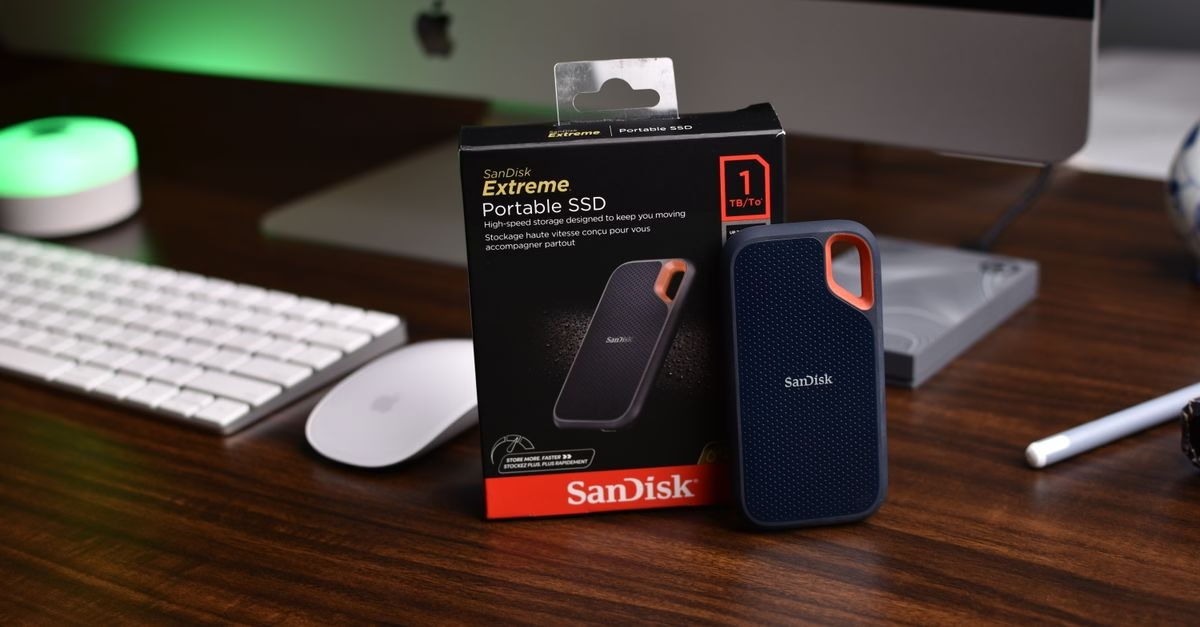
Preparation Is the Real Feature
The reported capability of keychain USB drives to rescue PCs underscores a vital lesson in consumer technology: simplicity often outperforms complexity. You do not need advanced software suites to handle basic emergencies; you need a reliable plan and the right hardware to execute it.
For now, the primary unknown remains the compatibility of various disk imaging formats across different operating systems without additional drivers. Users should verify that their chosen imaging software supports bootable creation on standard FAT32 or exFAT formatted drives. Ultimately, keeping a prepared USB stick in your wallet or bag is a low-effort, high-reward strategy for any PC owner.