


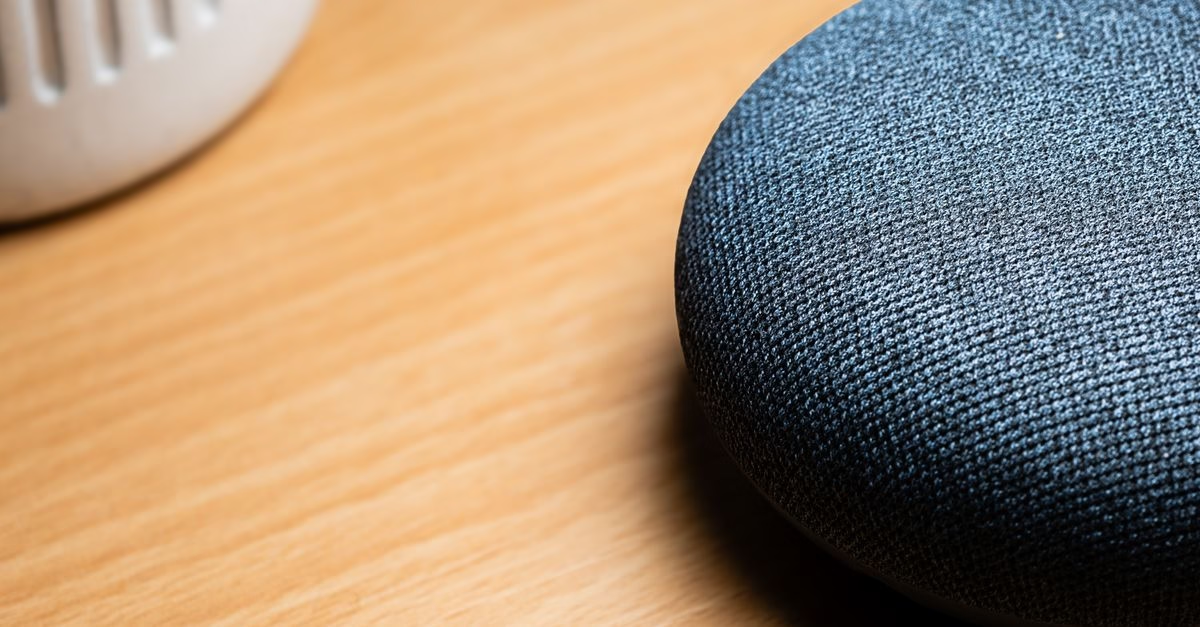
How Existing Smart Displays Stream Live Content
Recent guidance highlights that older Google Home devices, specifically the Nest Hub line, are well-suited for displaying YouTube TV content in secondary rooms. Rather than requiring a large television or a new purchase, these compact smart displays can be placed on kitchen counters or shelves to act as dedicated viewing stations. The core functionality relies on the device’s ability to run the YouTube TV app interface, allowing users to navigate channels and programs through touch commands or voice interactions with Google Assistant.
This approach transforms what might otherwise be considered legacy hardware into a functional piece of entertainment infrastructure. The recommendation stems from the practical reality that many households have spare Nest Hubs gathering dust, and repurposing them solves the common problem of wanting to watch a game without leaving the kitchen island. By utilizing the built-in screen and audio capabilities, users get a self-contained media experience that does not require casting from a phone or tablet, which can be cumbersome when hands are full with cooking utensils or ingredients.
Why This Setup Fits Modern Kitchen Habits
For Canadian consumers and families alike, the ability to keep tabs on live sports or news while multitasking is increasingly important. Kitchens have evolved into central hubs for both work and leisure, making it difficult to step away from a main living room television to check scores or follow a specific channel. A Nest Hub offers a space-efficient alternative that sits unobtrusively on a countertop, providing just enough screen real estate to see play-by-play action or program guides without dominating the visual space.
This method also reduces the friction associated with mobile viewing; holding a smartphone or tablet for extended periods during meal preparation is impractical and strains the neck. Furthermore, leveraging existing devices aligns with sustainable consumption habits by extending the lifecycle of electronics rather than contributing to e-waste through unnecessary upgrades. It provides a low-barrier entry point for those who may not want to invest in a premium smart TV but still desire the convenience of integrated streaming services.

The value proposition here is primarily about convenience and resourcefulness, turning a simple display into a versatile tool for daily life.
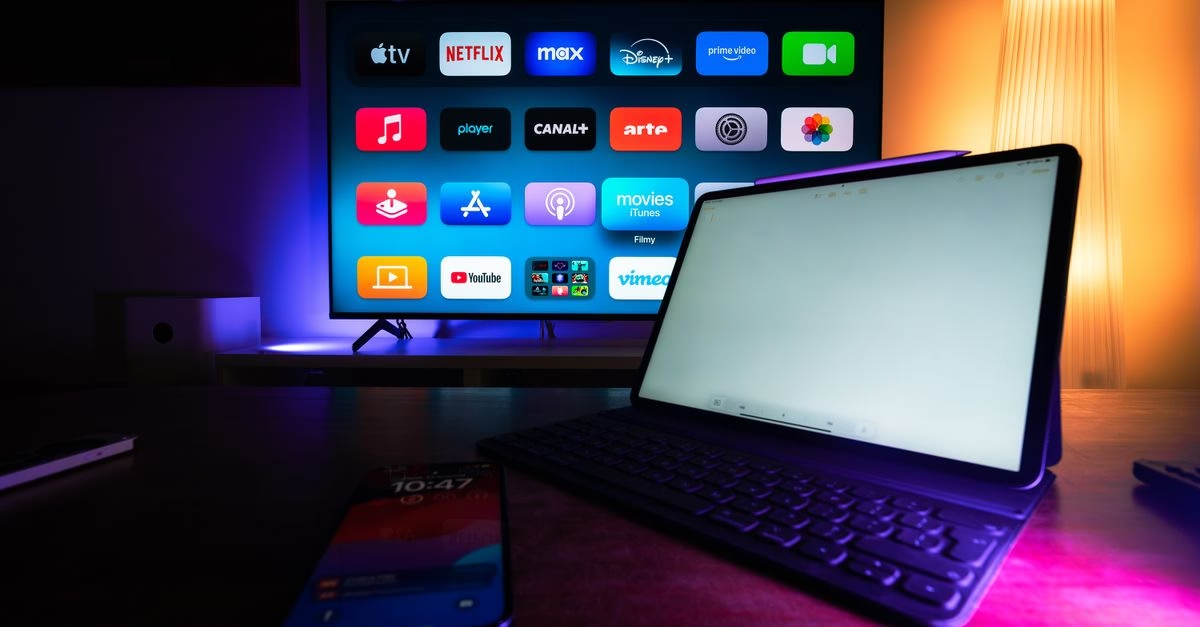
Practical Steps for Implementation
To get started, ensure your Nest Hub is connected to the same Wi-Fi network as your primary Google account and that you have an active YouTube TV subscription linked to that account. You can typically launch the service by saying ‘Hey Google, open YouTube TV’ or by tapping the app icon on the home screen. While the screen size is smaller than a traditional television, it is sufficient for following live events, checking scores, and monitoring program schedules.
Users should note that audio output will come from the device itself, so volume levels may need adjustment depending on ambient kitchen noise. This setup is particularly effective for background viewing rather than immersive cinematic experiences. If the device is shared among multiple family members, ensuring that the correct profile is selected within the YouTube TV app will help maintain personalized recommendations and recording preferences.
Ultimately, this is a straightforward way to integrate streaming content into your daily routine without significant financial investment or technical complexity.





