Defining the Gigahertz Metric in Modern Computing
The term gigahertz (GHz) frequently appears in marketing materials for laptops, desktops, and smartphones, often leading consumers to believe it is the single most important specification for performance. In reality, GHz is simply a unit of measurement for frequency. Specifically, one gigahertz represents one billion cycles per second. When a processor operates at 3.5 GHz, it is executing 3.5 billion basic operations every second.
This metric has been a standard benchmark for decades, serving as a quick shorthand for how fast a chip can process instructions. However, relying solely on this number provides an incomplete picture of a device’s capabilities. While it tells us the rhythm at which the processor ticks, it does not reveal how much work is accomplished during each individual tick.
The Mechanics Behind Clock Cycles and Instruction Processing
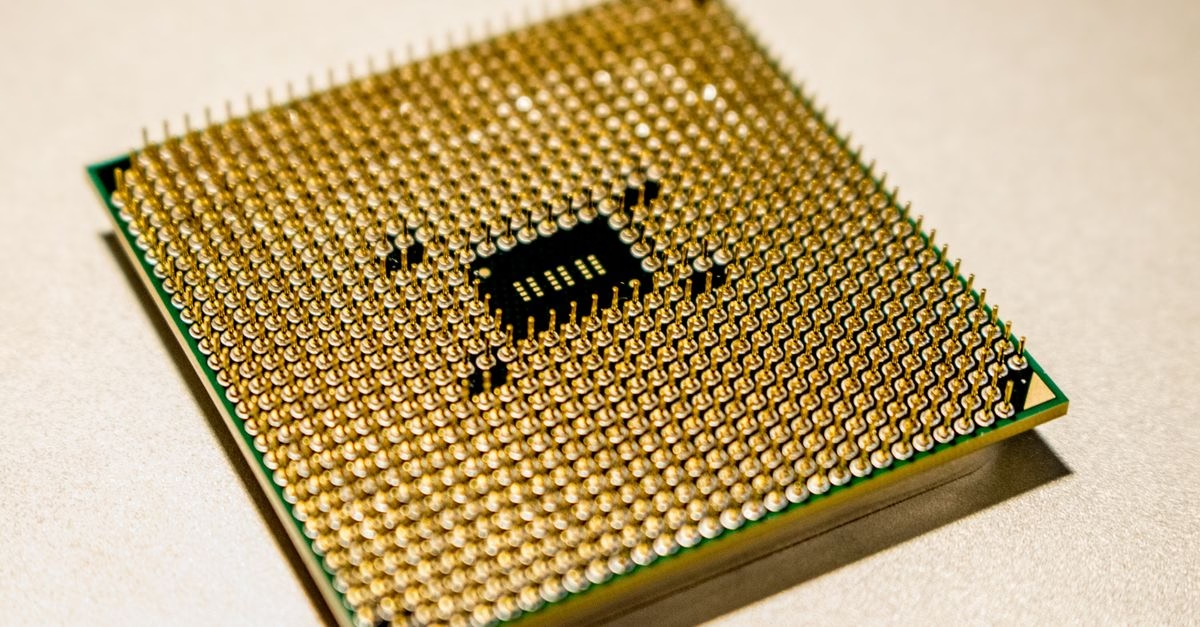
To understand why GHz alone is insufficient, it is necessary to look at how a central processing unit (CPU) functions. Each clock cycle allows the processor to perform a specific set of micro-operations. These operations include fetching data from memory, decoding instructions, executing calculations, and storing results. The efficiency of these steps varies significantly between different processor architectures.
For example, a newer processor architecture might complete more complex tasks within a single clock cycle than an older design running at the same speed. This concept is known as Instructions Per Cycle (IPC). A modern 3.0 GHz processor may outperform an older 4.0 GHz processor because its internal design allows it to do more useful work per cycle. Additionally, features like hyper-threading allow a single physical core to handle multiple threads simultaneously, further decoupling raw clock speed from actual multitasking ability.

Why Buyers Should Look Beyond the Clock Speed Number
For Canadian consumers and tech enthusiasts, understanding this distinction is crucial when comparing devices. Marketing departments often highlight high GHz numbers to attract buyers who associate speed with value. However, a device with a lower clock speed but more cores, larger cache, or superior thermal design will often feel faster in daily use.
This is particularly relevant for tasks like video editing, gaming, or running multiple applications simultaneously. These workloads benefit more from parallel processing across multiple cores than from a single core running at an extremely high frequency. Recognizing that GHz is just one piece of the performance puzzle helps shoppers avoid overpaying for a chip that looks fast on paper but underperforms in practice.
The Bottlenecks That Clock Speed Cannot Overcome
There are significant limitations to viewing clock speed as the primary indicator of performance. First, increasing GHz often leads to higher power consumption and heat generation. Without adequate cooling solutions, a processor may throttle its speed to prevent overheating, effectively negating the benefits of a high GHz rating.
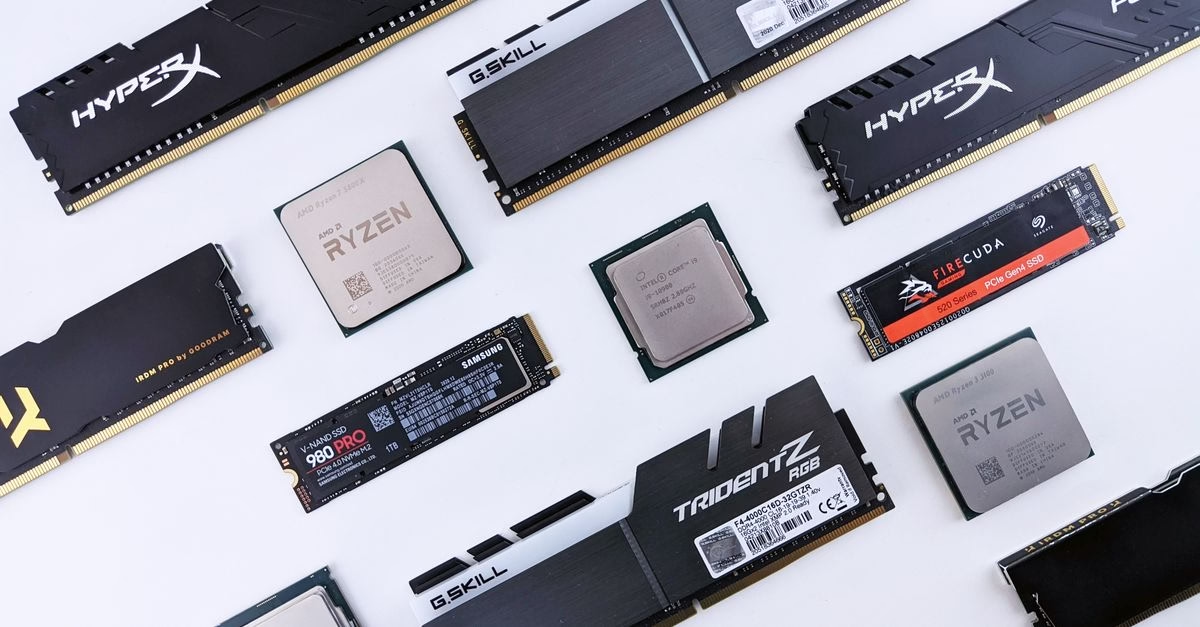
Second, other hardware components can create bottlenecks that limit how fast the CPU can operate. If system RAM is slow or storage drives have high latency, the processor may spend time waiting for data rather than processing it. Therefore, a high GHz CPU paired with slower supporting components will not deliver the expected speed improvements. Furthermore, software optimization plays a role; poorly coded applications may not utilize high clock speeds efficiently regardless of the hardware available.
Making Informed Decisions on Processor Specifications
Ultimately, GHz remains a valid technical specification, but it should never be viewed in isolation. It measures the heartbeat of the processor, not the strength of the heart itself. When evaluating a new computer or component, consider the combination of clock speed, core count, architecture generation, and cache size.
By shifting focus from a single number to a holistic view of system performance, users can make more informed purchasing decisions. The goal is not to find the highest GHz, but to find the right balance of specifications that match your specific computing needs, whether that involves light office work or intensive creative projects.