


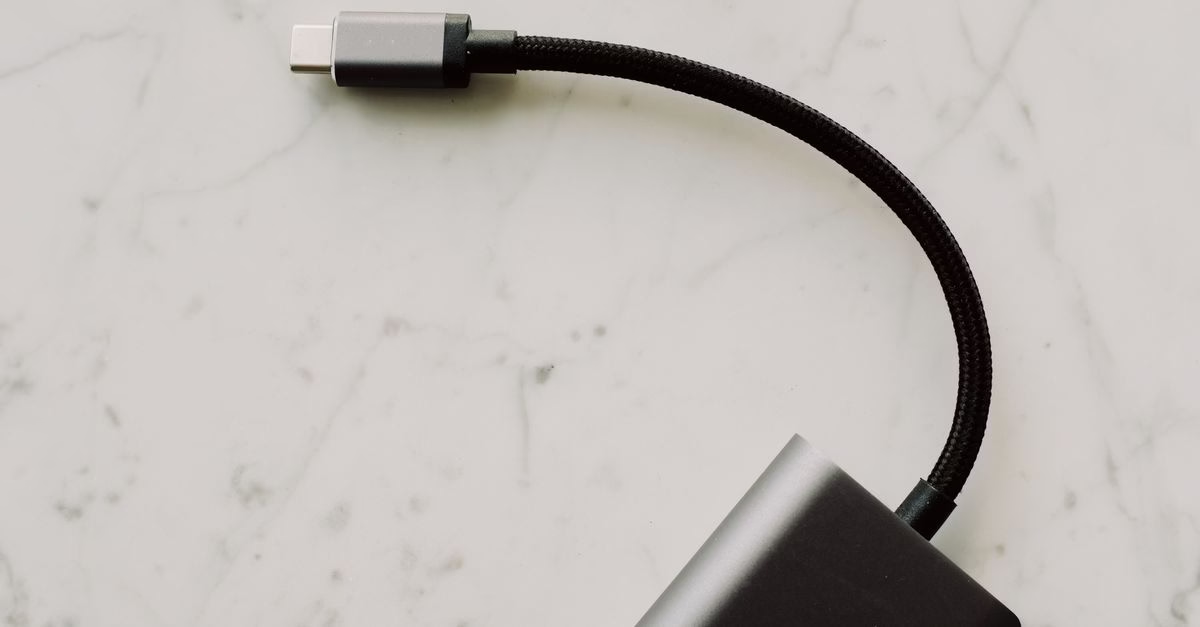
The Rise of High-Wattage USB-C
USB Power Delivery (PD) has evolved from a niche feature into the standard for charging everything from smartphones to gaming laptops. While early iterations capped out at lower wattages, the latest standards allow for up to 240W in theory, with 140W becoming a common high-end target for modern ultrabooks and workstations.
The confusion stems from the fact that USB-C is a connector shape, not a performance guarantee. A port that looks identical to another might only deliver 15W, while its neighbor supports the full 140W required to fast-charge a powerful MacBook Pro or Dell XPS. Understanding this distinction is critical for users who rely on their devices for heavy computational tasks away from an outlet.
Identifying Capabilities Through Markings and Specs
Manufacturers use visual cues to indicate power capabilities, though these are not always consistent across brands. The most reliable method involves checking the port itself for specific icons. Look for a lightning bolt symbol next to the USB-C slot. If there is no number attached, it typically indicates basic power delivery, often limited to 15W or less. However, some premium laptops explicitly print “140W” or “PD 3.1” near the port.
If physical markings are absent or unclear, consult the device’s official technical specifications sheet. This document will list the maximum input power for each port. For example, a laptop might have two Thunderbolt 4 ports, but only one may be wired for the highest wattage charging, while the other is reserved for data transfer or lower-power peripherals. Always cross-reference the port label with the spec sheet to avoid plugging into a low-power slot.

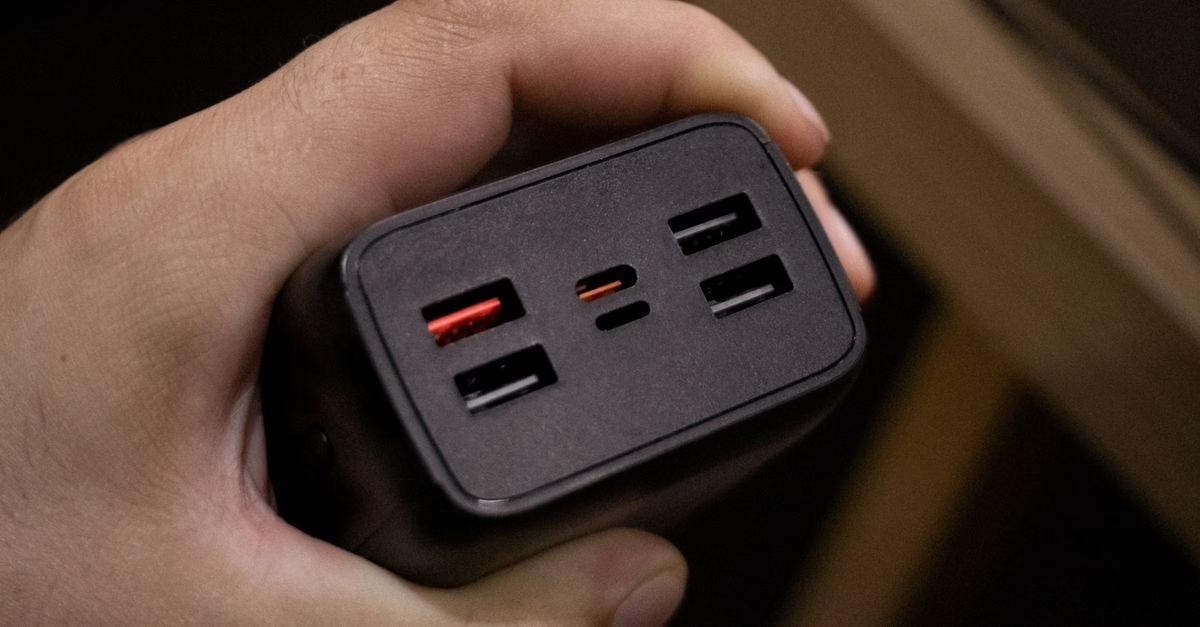
Why Wattage Limits Impact Daily Performance
Using a charger that exceeds your port’s capability is safe, but using one that falls short results in slow charging or battery drain during intensive tasks. If you plug a 65W charger into a laptop designed for 140W input, the system may throttle CPU performance to conserve energy, leading to laggy video editing or slower compile times.
Conversely, identifying a true 140W port allows you to utilize GaN chargers that are compact yet powerful. This means you can carry a single brick that charges your laptop, phone, and tablet simultaneously without sacrificing speed. For professionals moving between offices, cafes, and travel hubs, knowing which port delivers peak power ensures they aren’t tethered to a wall socket longer than necessary.
Cable Compatibility and System Checks
Even if your laptop port supports 140W, your cable must also be rated for it. Standard USB-C cables often max out at 3A (approx. 60W). To achieve 140W, you need a cable with an E-Marker chip rated for 5A. These cables are usually thicker and may have “5A” or “100W+” printed on the connector housing.
You can verify active charging rates through software. On macOS, clicking the battery icon shows the current wattage being drawn. On Windows, tools like HWiNFO64 can display real-time power delivery metrics. If you see the wattage plateauing well below 140W despite having a compatible charger and port, check for thermal throttling or background processes consuming excess power.
Ambiguity in Industry Standards
A significant limitation is the lack of universal labeling regulations. One brand might use a lightning bolt for any PD port, regardless of wattage, while another reserves it for high-speed data only. This inconsistency forces users to dig deeper than surface-level visual checks.
Additionally, multi-port hubs complicate matters. Plugging a 140W charger into a hub does not mean the connected laptop receives 140W. Hubs distribute power among connected devices, so if you connect a monitor, mouse, and external drive, the available wattage for the laptop drops significantly. Always test direct-to-laptop connections when verifying maximum charge speeds.
Verifying Before You Buy
Identifying a 140W USB-C port requires a combination of visual inspection, specification review, and cable verification. Do not assume that all USB-C ports on a premium device offer the same charging speed. By checking for explicit wattage labels, consulting official tech sheets, and ensuring your cable is 5A-rated, you can unlock the full potential of your hardware.
For those upgrading their setup, prioritize devices that clearly mark their high-power ports. This transparency saves time and prevents the frustration of underpowered charging sessions. As USB PD standards continue to evolve, staying informed about these subtle distinctions ensures your investment in fast-charging technology actually pays off.
Another practical step involves testing with a known-good charger. If you own a 140W power adapter, connect it directly to the suspected port and monitor the charging rate. A healthy connection should ramp up quickly, often reaching near-maximum wattage within minutes if the battery is low. If the system stalls at 65W or lower despite using a high-capacity cable, the port likely lacks the necessary internal wiring for higher currents. This real-world test bypasses ambiguous labels and provides immediate feedback on actual performance.
It is also worth noting that thermal management plays a crucial role in sustaining high-wattage charging. Many laptops will reduce input power if internal temperatures rise too high, even if the port and cable are capable of delivering 140W. This safety feature protects the battery and motherboard from overheating. Consequently, a device might briefly accept peak power before throttling down during heavy workloads. Users should consider ambient temperature and ventilation when evaluating consistent charging speeds, as a cool environment allows for more stable high-wattage delivery.
Finally, remember that not all devices benefit equally from 140W charging. Smartphones and tablets typically cap out at much lower rates, often between 20W and 45W. Plugging these into a 140W port is safe because USB Power Delivery includes negotiation protocols that limit current to what the device can handle. However, this means you won’t see faster charging times on smaller gadgets compared to using their standard chargers. The primary advantage remains with large laptops and mobile workstations where every minute of charge time counts.





