The Real-World Timeline for Swapping Graphics Hardware
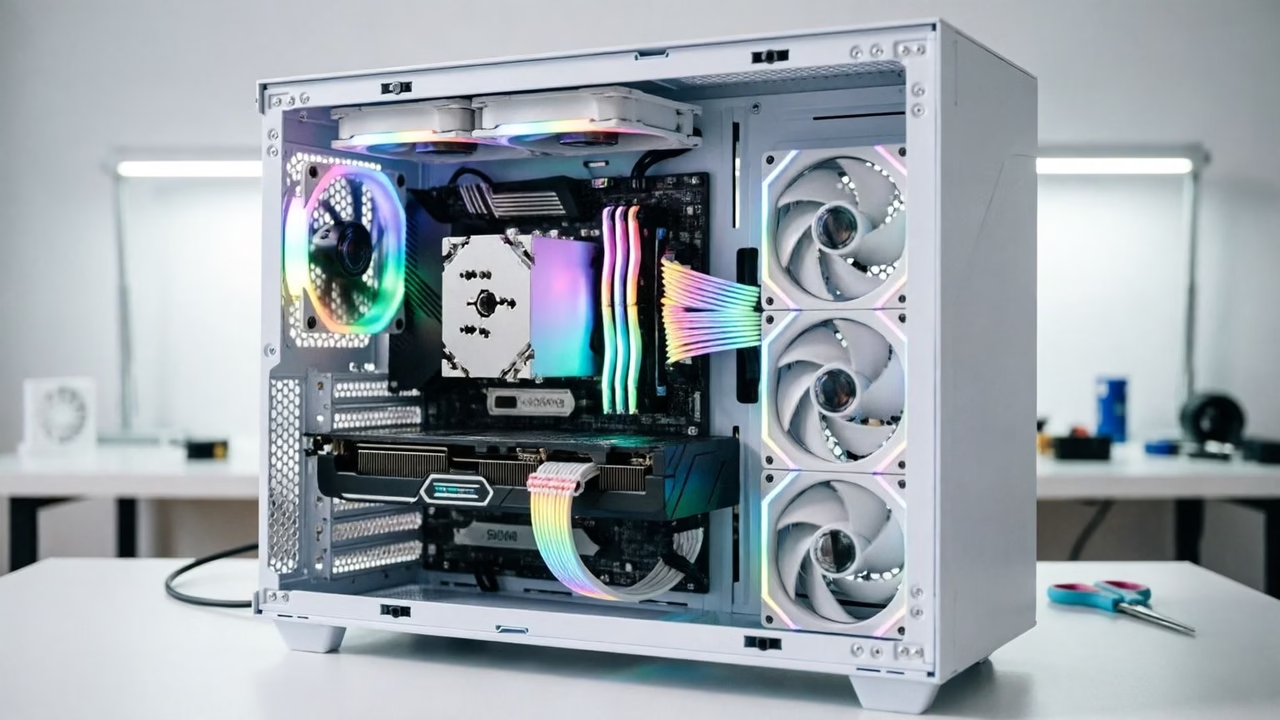
When you decide to upgrade your PC, replacing the graphics processing unit (GPU) is often the single most impactful change you can make. According to industry insights reported by BGR, the physical act of installing a new GPU is surprisingly accessible for anyone comfortable working inside a computer chassis. For those with prior experience, the entire process usually takes between 15 and 30 minutes. This timeframe covers removing the old card, seating the new one, and securing it in place.
However, the clock starts ticking differently for newcomers. First-time upgraders should anticipate a longer session. The delay rarely comes from the actual insertion of the card, which is mechanically straightforward. Instead, the extra time is consumed by navigating unfamiliar internal layouts, managing tangled power cables, and ensuring that all connections are secure before powering on the system. While the core task is simple, the environment inside a modern PC case can be cramped, requiring patience and careful handling rather than technical wizardry.
Why This Upgrade Defines the DIY PC Experience
Understanding the time commitment is crucial because it demystifies the barrier to entry for PC gaming and productivity enhancements. The primary appeal of building or maintaining your own PC lies in the ability to upgrade components gradually. You do not need to replace your entire machine every few years; instead, you can extend its lifespan by swapping out specific parts like the GPU as technology advances.
This modularity is what separates custom PCs from pre-built consoles or laptops. A GPU upgrade can breathe new life into an older system, allowing it to handle modern games or demanding creative software at higher settings. Knowing that this transformation requires only half an hour of focused effort encourages more users to attempt the upgrade themselves. It shifts the perception of hardware maintenance from a daunting technical chore to a manageable weekend project.

Furthermore, recognizing that first-timers might take longer helps prevent frustration. If you are struggling with a cable or unsure about a connector, that is normal. The goal is a stable connection, not speed, making the learning curve part of the rewarding process of mastering your own technology.
Setting Expectations for Your Next Build
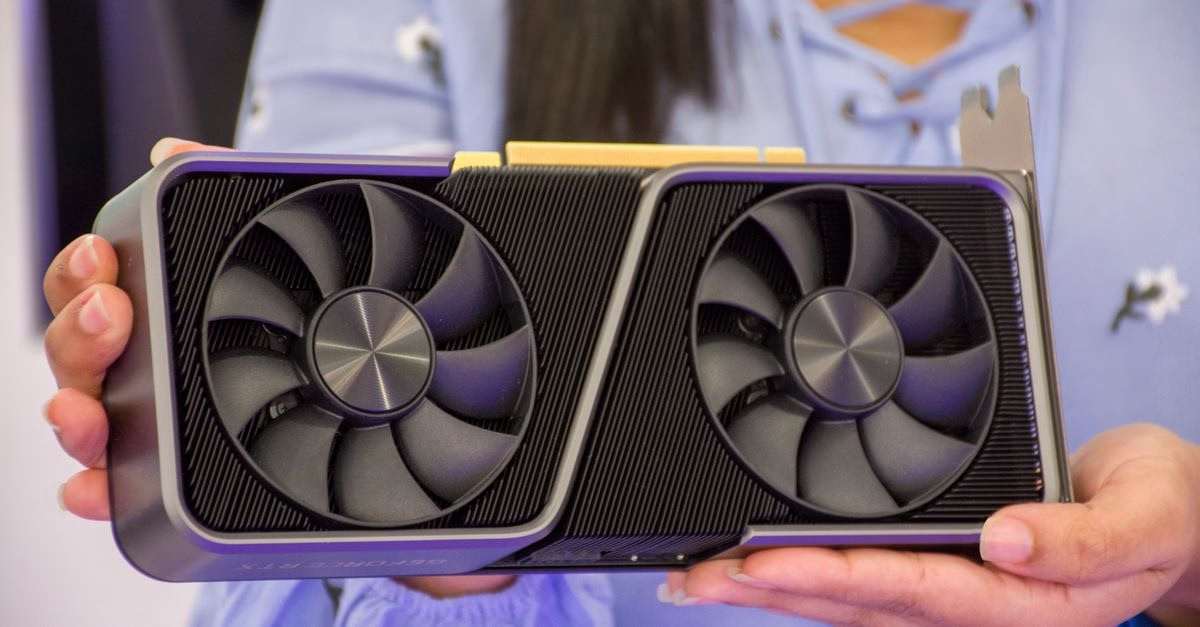
Installing a new GPU is a high-reward activity that balances ease of execution with significant performance benefits. Whether you are a seasoned builder who can swap cards in under 20 minutes or a novice taking an hour to ensure everything is perfect, the outcome is worth the effort. The key is to approach the task with patience, especially when dealing with cable management and driver updates post-installation.
As you prepare for your upgrade, remember that the time spent is an investment in your system’s longevity. By tackling this upgrade yourself, you gain control over your hardware’s future without the premium cost of buying a brand-new machine. Keep your workspace organized, double-check your power connections, and enjoy the tangible performance boost that comes from knowing exactly how your computer works.