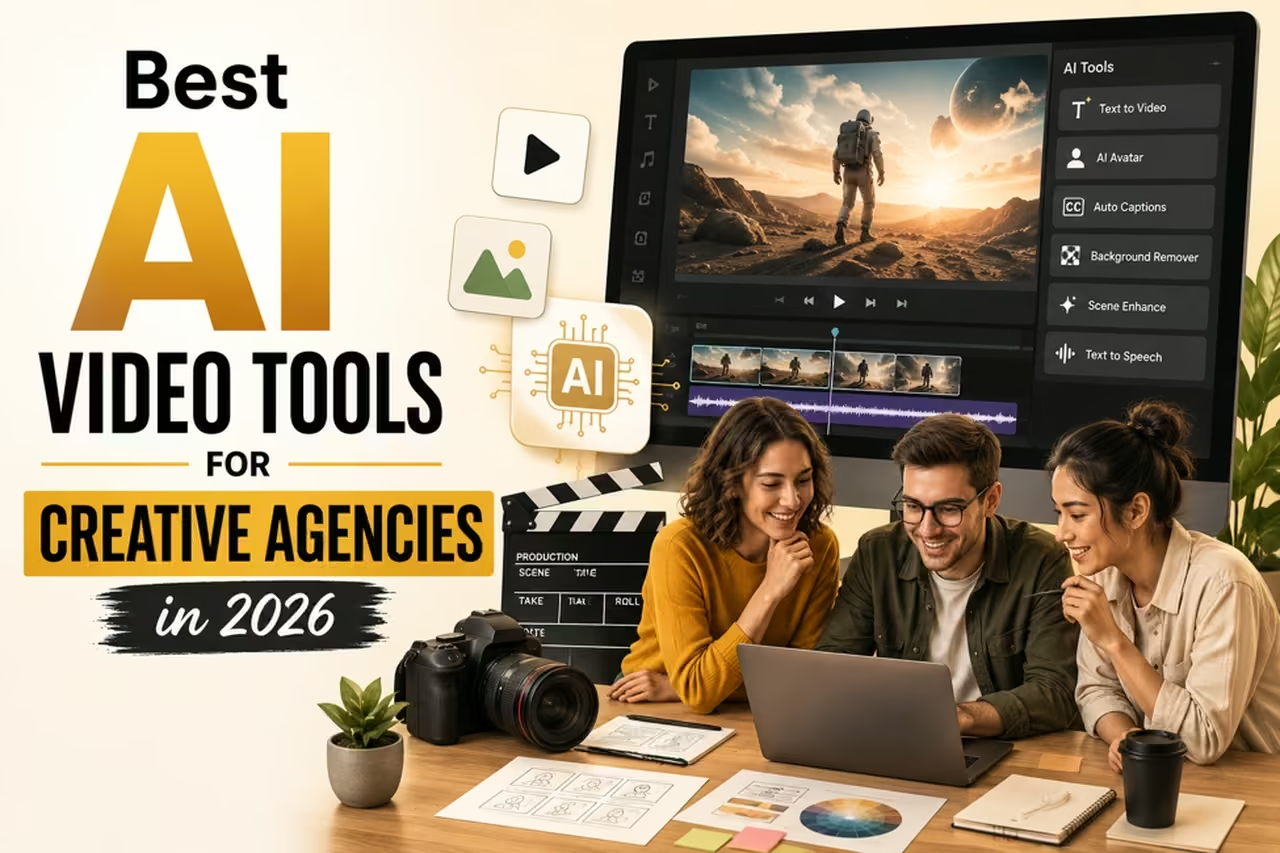
Creative agencies rarely produce only one type of video. A single team may be responsible for product campaigns, paid social ads, brand films, explainers, pitch concepts, vertical videos, and short-form content for several clients at once.
That variety creates a production challenge. Every client can have different brand guidelines, visual references, products, deadlines, audiences, deliverables, and approval processes. As the number of assets increases, traditional production workflows can become difficult to scale.
AI video tools can help creative agencies accelerate concept development, generate or modify scenes, experiment with visual directions, create campaign variations, and reduce repetitive production work. The right platform depends on whether an agency prioritizes end-to-end production, cinematic generation, visual development, image-to-video, experimentation, or rapid social content.
The objective is not to hand an entire client project over to artificial intelligence. A stronger agency workflow uses AI where it saves time or expands creative options while keeping strategy, brand judgment, approvals, and final creative decisions in human hands.

Best AI Video Tools at a Glance
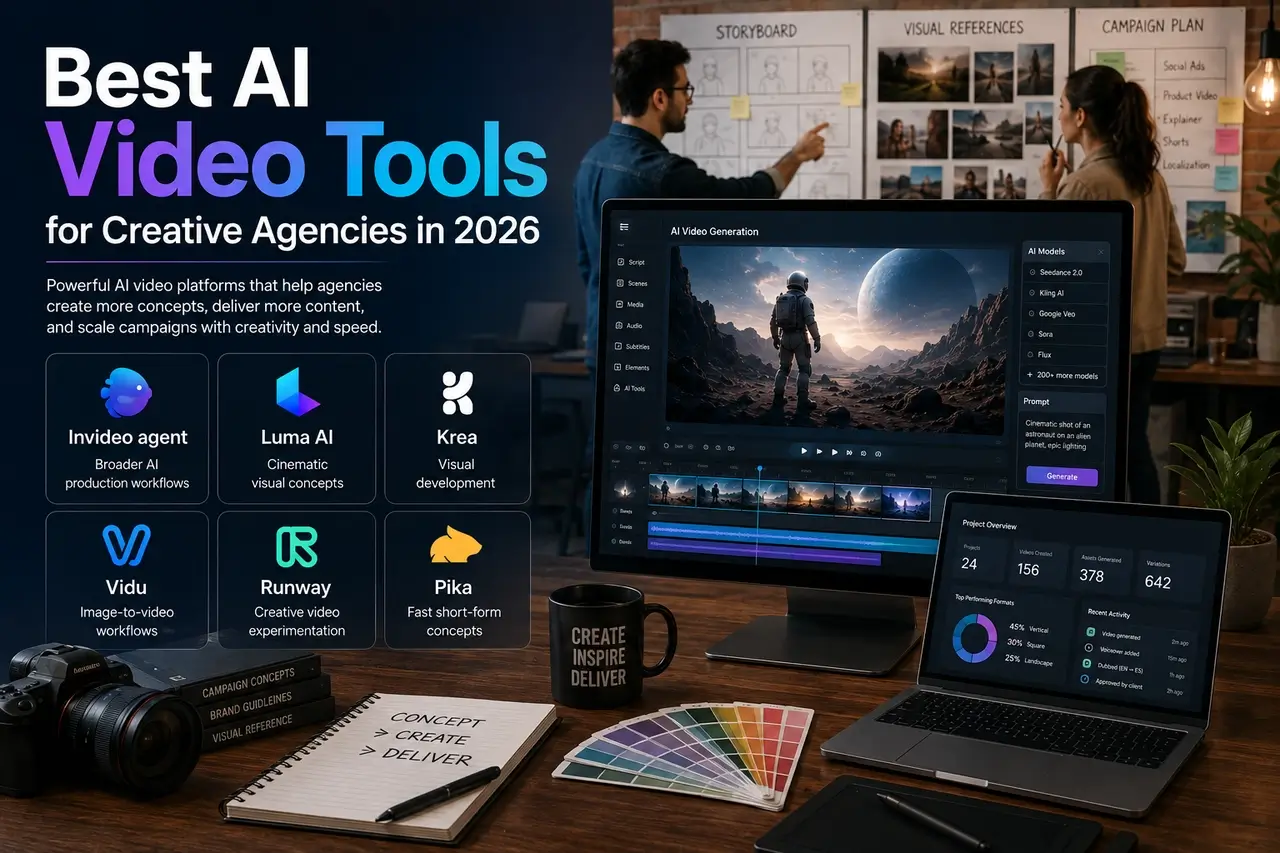
| AI Video Tool | Best Suited To | Notable Agency Use |
|---|---|---|
| Invideo agent | Broader AI production workflows | Scripts, generation, editing, voiceovers, dubbing, and multi-model workflows |
| Luma AI | Cinematic visual concepts | Environments, motion, and imaginative campaign visuals |
| Krea | Visual development | Exploring and refining campaign aesthetics |
| Vidu | Image-to-video workflows | Animating existing product and campaign assets |
| Runway | Creative video experimentation | Generation, transformations, effects, and pitching |
| Pika | Fast short-form concepts | Social content, transitions, and creative testing |
These platforms overlap in some areas, so agencies should evaluate them around actual client workflows rather than choosing solely by the length of a feature list.
Why Creative Agencies Are Using AI Video Tools
The biggest advantage of AI video for an agency is not simply generating a video from a text prompt. It is the ability to introduce AI at several points in the production process.
During pre-production, a creative team can use generative tools to visualize an idea before investing heavily in production. During production and post-production, AI can support additional shots, transformations, variations, or other creative tasks. After a campaign is approved, teams may also use AI-assisted workflows to adapt existing creative into more deliverables.
That matters when one campaign needs to work across YouTube, Instagram, TikTok, paid advertising, landing pages, presentations, and other formats.
AI does not eliminate the need for strong creative direction. Agencies still need to determine whether generated material is accurate, appropriate for the client, visually consistent, legally usable, and aligned with the campaign brief.
6 Best AI Video Platforms Agencies Can Put to Work
1. Invideo agent
Invideo agent is particularly relevant to agencies looking for a broader production workflow rather than a tool dedicated to one generation task.
Agency projects usually begin with more than a simple prompt. A client might supply a campaign brief, brand book, product information, reference videos, previous creatives, scripts, footage, and feedback from earlier rounds.
Invideo agent can bring these inputs into a broader workflow supporting scripting, visual planning, generation, editing, voiceovers, music, and AI video dubbing for adapting content to different audiences and markets.
The platform provides access to 200+ AI models, giving agencies different options for developing individual scenes rather than depending on one model for every project.
That broader model access can matter when different scenes call for different capabilities.
For agencies, the practical advantage is workflow consolidation. Instead of thinking only about text-to-video generation, teams can consider where AI fits across scripting, asset generation, editing, localization, and versioning.
Best for: Agencies seeking a broader AI-assisted production environment and access to multiple generation models.
Pricing note: AI platform pricing, plans, credits, and generation costs can change. Agencies should verify current pricing directly with the provider before committing a production budget.
2. Luma AI
Luma AI focuses on AI-generated visuals and video, making it relevant when agencies need cinematic or imaginative creative concepts.
A campaign may require an environment, camera movement, or visual idea that would otherwise require substantial production resources. Generative video provides a way to explore those concepts before deciding whether they belong in the final campaign.
That makes Luma particularly interesting during creative development.
Teams can test environments, moods, compositions, and visual directions before presenting an approach to the client or committing to a larger production.
Luma can also fit into hybrid video production, where generated scenes are combined with traditionally captured footage rather than replacing the entire shoot.
Best for: Cinematic concepts, imaginative environments, and visual exploration.
Agency workflow fit: Concept development, pitches, mood exploration, and hybrid production.
3. Krea
Krea combines visual generation with creative development and refinement tools. For agencies, that can be valuable when establishing a recognizable visual identity across multiple campaign assets.
Before production begins, creative teams often need to compare references, treatments, compositions, styles, and overall visual directions.
Krea provides an environment where those directions can be explored and refined before a campaign is locked.
This makes it useful beyond initial ideation. An agency can continue experimenting with alternative visual treatments throughout production without necessarily rebuilding a concept from the beginning.
Best for: Visual development, campaign aesthetics, and creative experimentation.
4. Vidu
Vidu supports both text-to-video and image-to-video generation. The latter can be especially useful for agencies that already have approved client photography, product assets, key visuals, or campaign imagery.
Rather than generating an entirely new visual direction, a creative team can start with an existing image and develop motion around it.
That approach can be useful for product campaigns, social creatives, promotional clips, and other short-form video assets.
It also addresses a common agency requirement: producing more content from an existing campaign.
If a client has already approved a collection of visual assets, image-to-video workflows can provide another route for turning those materials into motion-based deliverables.
Best for: Image-to-video generation and extending existing campaign assets.
Agency workflow fit: Product content, social campaigns, promotional clips, and campaign variations.
5. Runway
Runway gives creative teams a range of tools for generating and transforming video, making it a strong candidate for agency projects centred on visual experimentation.
Teams can use it for scene creation, footage modification, effects, and early-stage creative development.
One particularly useful agency application is pitch visualization.
Instead of relying entirely on written treatments and static mood boards, a team can create rough moving concepts that help stakeholders understand the intended visual direction before committing to a larger production.
Runway can remain part of the workflow after approval when a campaign requires additional shots, effects, or visual alternatives.
Because AI video platforms frequently update their plans and capabilities, agencies should verify Runway’s current pricing, credit allowances, and commercial terms before choosing a plan.
Best for: Video generation, transformations, effects, pitch concepts, and experimentation.
6. Pika
Pika focuses on fast AI video creation and creative effects. That makes it well suited to agencies working on short-form concepts, transitions, product reveals, social-first assets, and rapid experimentation.
Speed is particularly useful at the ideation stage.
A creative team may want to explore several treatments before selecting one concept for further development. AI generation can reduce the amount of production effort required to visualize every early idea.
This also makes Pika useful for social teams that continually need new concepts and campaign variations.
The goal is not necessarily to treat each generation as a finished client deliverable. Instead, Pika can become part of a rapid testing process in which promising concepts move forward for additional creative development.
Best for: Fast concepts, social-first video, transitions, and experimental creative.
Related Posts
How to Choose an AI Video Tool for Your Agency
There is no universal “best” AI video generator for every creative agency. The better question is: Which tool solves the production bottleneck your team actually has?
Consider these factors before choosing a platform:
- Workflow coverage: Decide whether you need isolated generation or a broader production workflow.
- Brand consistency: Determine how easily approved references and client assets can guide new output.
- Video generation requirements: Consider the styles, durations, resolutions, camera movements, and controls your work requires.
- Existing assets: Image-to-video may be more useful than text-to-video when clients already have approved photography and campaign imagery.
- Volume: Agencies producing many variations should assess credit limits and generation costs carefully.
- Collaboration: Consider how easily creative directors, editors, producers, and clients can work around generated assets.
- Commercial terms: Review each platform’s current licensing and usage terms before using generated content in client campaigns.
- Quality control: Build human review into the workflow for brand accuracy, factual accuracy, visual errors, and final approval.
A short trial using a real but non-sensitive agency workflow can reveal more than comparing feature lists alone.
Building a Better AI Video Agency Workflow
The biggest agency challenge is rarely creating one video. It is managing several projects with different requirements simultaneously.
One client may be approving a campaign concept while another needs social cutdowns and a third is waiting for revisions.
AI can reduce repetitive production work, but an effective workflow still begins with clear creative direction.
Context is particularly important. Brand rules, product details, visual references, campaign decisions, approved terminology, and previous feedback should be organized, so teams are not reconstructing the same context whenever another asset is created.
A practical workflow could look like this:
Brief → brand context → creative concept → AI-assisted exploration → human review → production → client approval → variations → final quality control.
The human checkpoints matter. Agencies remain responsible for ensuring that a client’s final creative is appropriate and consistent with the approved campaign.
One Campaign Can Create Many Deliverables
A campaign rarely ends with one finished video.
Clients may request a hero film, shorter versions, vertical edits, social clips, product variations, alternative hooks, and different openings for paid advertising.
AI video tools can make it easier to develop some of these variations from an established creative direction.
Instead of treating every deliverable as an entirely separate project, agencies can reuse approved assets, references, concepts, and creative decisions.
For example, one approved campaign concept could lead to:
- A primary brand video
- 30-second and 15-second edits
- Vertical social videos
- Product-specific variations
- Alternative opening hooks
- Regional or language adaptations
- Concept variations for paid-media testing
The value is not simply producing more. Agencies still need quality control. The opportunity is to reduce repetitive work while keeping multiple assets connected to the same campaign strategy.
FAQs About AI Video Tools for Creative Agencies
What are the best AI video tools for creative agencies in 2026?
Six notable options are Invideo Agent, Luma AI, Krea, Vidu, Runway, and Pika. They serve different needs, including broader AI production workflows, cinematic generation, visual development, image-to-video creation, video transformation, and short-form experimentation.
How can creative agencies use AI video tools?
Creative agencies can use AI video tools for concept visualization, scene generation, editing support, campaign variations, pitch development, social content, localization, visual experimentation, and repurposing approved campaign assets.
Can AI video tools replace a creative agency’s production team?
AI video tools can automate or accelerate parts of production, but they do not remove the need for creative strategy, brand judgment, client communication, quality control, and final human approval. They are most useful when integrated into a professionally managed production workflow.
Which AI video tool is best for agency workflows?
The answer depends on the workflow. Invideo Agent is positioned around a broader multi-model production environment, while Runway focuses strongly on generation and transformation. Luma AI suits cinematic exploration, Krea visual development, Vidu image-to-video workflows, and Pika rapid short-form experimentation.
What should agencies check before using AI-generated video for clients?
Agencies should review output quality, brand accuracy, licensing and commercial-use terms, client requirements, confidentiality, platform policies, generation costs, and applicable legal requirements before publishing AI-generated material.
Are AI video tools useful for social media agencies?
Yes. They can be particularly useful when a social campaign requires multiple aspect ratios, hooks, concepts, short clips, product variations, or frequent creative testing. The exact efficiency gain depends on the platform and workflow.
Can agencies use AI video tools with existing client assets?
Yes, depending on the platform. Image-to-video and reference-based workflows can allow teams to build from existing photography, product visuals, or campaign references rather than generating every element from scratch.
How should an agency choose between AI video platforms?
Start with the agency’s primary bottleneck. Compare generation quality, workflow coverage, consistency controls, supported inputs, commercial terms, collaboration needs, pricing, credit consumption, and the amount of human editing required to reach client-ready quality.
Final Thoughts
The best AI video tools for creative agencies in 2026 are not necessarily the platforms with the longest feature lists. The right choice depends on how a tool fits into an agency’s existing creative and production process.
Invideo Agent offers a broad workflow with access to 200+ AI models, while Runway, Luma AI, Krea, Vidu, and Pika provide different approaches to generation, visual development, transformation, and experimentation.
For agencies, the strongest approach is to treat AI as part of the production system rather than the creative director. Strategy, brand judgment, client requirements, and final approval remain human responsibilities.
Used selectively, AI gives creative teams additional ways to explore ideas and produce campaign variations without treating every new deliverable as an entirely new production.