Smart Tech, Sharp Takes - CRYOVEX.comSmart Tech, Sharp Takes - CRYOVEX.com
  • Home
  • Reviews
  • Hardware
    • Smartphones
    • Smartwatches
    • Laptops
    • Desktops
    • Tablets
    • Gaming Systems
    • Upcoming devices
  • Accessories
    • Displays (Monitors, Projectors, & TVs)
    • Keyboards & Mice
    • Audio (Headphones & Speakers)
    • Storage
    • Gaming Accessories
  • Smart Tech
  • Gaming
    • Gaming Systems
    • Gaming Accessories
    • Games
  • Apps
  • Tips & Guides
  • Latest Deals
  • About
    • Martin Guay – Bio
    • What Am I Doing Now?
    • Contact
    • Terms & Conditions
    • Privacy Policy
Smart Tech, Sharp Takes - CRYOVEX.comSmart Tech, Sharp Takes - CRYOVEX.com
  • Home
  • Reviews
  • Hardware
    • Smartphones
    • Smartwatches
    • Laptops
    • Desktops
    • Tablets
    • Gaming Systems
    • Upcoming devices
  • Accessories
    • Displays (Monitors, Projectors, & TVs)
    • Keyboards & Mice
    • Audio (Headphones & Speakers)
    • Storage
    • Gaming Accessories
  • Smart Tech
  • Gaming
    • Gaming Systems
    • Gaming Accessories
    • Games
  • Apps
  • Tips & Guides
  • Latest Deals
  • About
    • Martin Guay – Bio
    • What Am I Doing Now?
    • Contact
    • Terms & Conditions
    • Privacy Policy
Follow US
Smart Tech, Sharp Takes - CRYOVEX.com > Tips & Guides > How to Fix XGIMI Horizon Ultra 4K Not Starting Up (Black Screen & Boot Loop Solution)
Tips & GuidesFeaturedGadgets & Tech

How to Fix XGIMI Horizon Ultra 4K Not Starting Up (Black Screen & Boot Loop Solution)

A step-by-step firmware recovery guide to fix black screen, no display, and startup failures on the XGIMI Horizon Ultra 4K projector

Martin Guay
Last updated: January 28, 2026 10:34 am
Martin Guay - Chief Editor
Published: January 28, 2026
Share
6 Min Read
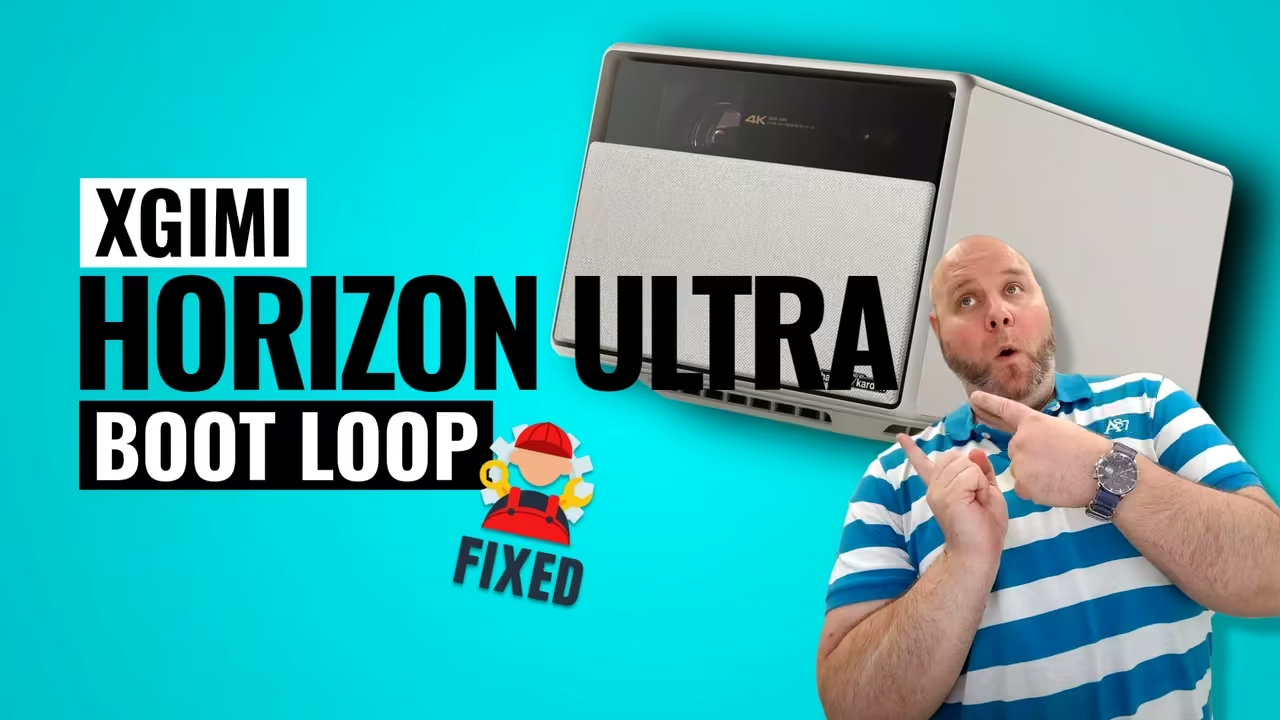
Xgimi horizon ultra 4k projector during firmware recovery to fix a startup and black screen issue
SHARE
Contents
  • Understanding the XGIMI Horizon Ultra 4K Startup Issue
  • What Causes the XGIMI Horizon Ultra 4K to Stop Booting?
  • Important Warning Before You Begin
  • Official Firmware Download Link (Horizon Ultra Only)
  • What You’ll Need Before Starting
  • Step-by-Step Guide: How to fix XGIMI Horizon Ultra 4K not starting up
    • Step 1: Power Off and Unplug
    • Step 2: Prepare the USB Drive
    • Step 3: Insert the USB Drive
    • Step 4: Reconnect Power
    • Step 5: Wait for the Indicator Light
    • Step 6: Long-Press the Projector Power Button
    • Step 7: Wait for the Firmware Upgrade to Complete
  • What Happens After the Upgrade?
  • Extra Tips for a Successful Recovery
  • Community Source & User Experience
  • Frequently Asked Questions (FAQs)
    • 1. Will this method fix a black screen after the logo?
    • 2. Is it safe to update firmware using USB?
    • 3. Can I use this firmware on other XGIMI models?
    • 4. Why shouldn’t I use the remote power button?
    • 5. My fan is very loud during the upgrade—is this normal?
    • 6. What if the upgrade screen doesn’t appear?
  • Restore Your Projector with Confidence

Understanding the XGIMI Horizon Ultra 4K Startup Issue

If your projector powers on but gets stuck after the initial logos—or shows no display at all—you’re not alone. Many users have reported this frustrating issue, especially after firmware updates or unexpected power interruptions. This guide explains how to fix XGIMI Horizon Ultra 4K not starting up using a safe and proven firmware recovery method shared by the XGIMI user community.

Shopping Gallery

The solution involves manually flashing the projector firmware using a USB drive. While the process is straightforward, it must be followed carefully because it will factory reset the device. Don’t worry—this article walks you through everything step by step in clear, easy language.
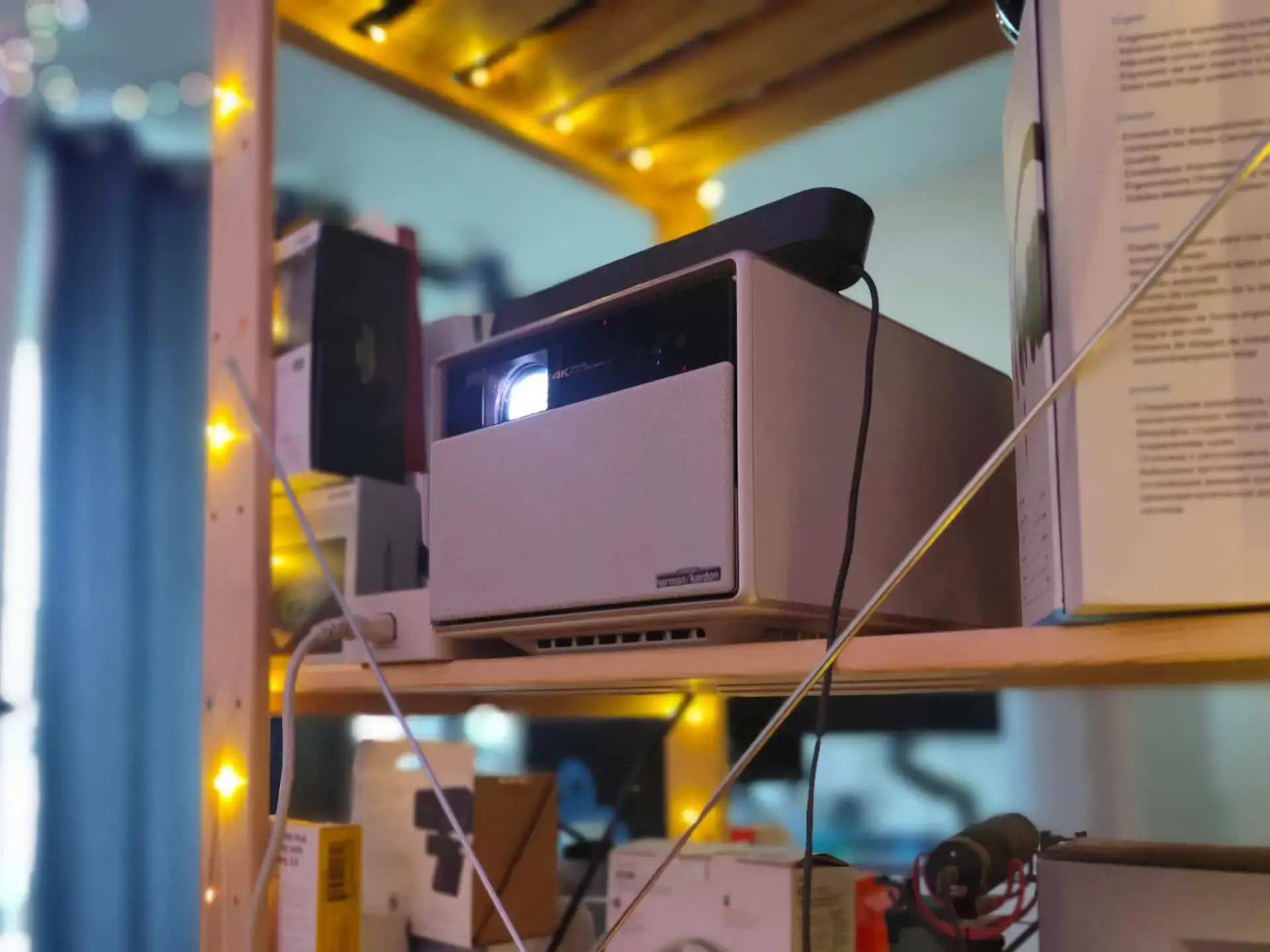

Xgimi horizon ultra 4k project sitting on a shelf behind the sofa.

- Advertisement -
Surfshark VPN app connected on smartphone promoting fast VPN for unlimited devicesSurfshark VPN app connected on smartphone promoting fast VPN for unlimited devices

Related Posts

  • Ultra-portable xgimi mogo 4 series projector delivering 1080p full hd visuals and powerful harman kardon audio for movies, gaming, and ambient light experiences anywhere.
    Just Play, Your Way: MoGo 4 Series is 2025’s Ultimate Vibe Machine
  • Lights, camera, portable action unleash the xgimi mogo 2 pro, the travel-ready projector of your dreams - review
    XGIMI Mogo 2 Pro Review: The Best Portable Projector for Under $500?
  • Xgimi 70-inch portable outdoor projection screen with a foldable, lightweight design, water-resistant aluminum frame, and quick setup for backyard and camping movie nights.
    XGIMI Portable Outdoor Screen: The Ultimate Setup for Outdoor Movie Nights
  • Xgimi fall 2024 projector lineup – featuring mogo 3 pro, elfin flip, aura 2, and horizon s series. Available starting september 6, 2024, at xgimi. Com. Prices start at $399. The lineup includes portable projectors, high-performance home projectors, and luxury home theatre solutions, each offering unique features for various entertainment needs.
    XGIMI's Smart Projectors 2024: Built-in Google TV, From Portable to Premium Home Cinema

What Causes the XGIMI Horizon Ultra 4K to Stop Booting?

Several factors can prevent the projector from fully starting:

  • Interrupted or failed firmware updates
  • Sudden power loss during startup
  • Corrupted system files
  • Software conflicts after updates
  • Improper shutdowns

In most cases, the hardware is fine—the issue is software-related. That’s good news because it means recovery is possible without sending the unit for repair.

Important Warning Before You Begin

Before proceeding, keep these critical points in mind:

Phone Deals US:
Best Buy|Amazon|Newegg
Gadget Deals US:
Amazon|Newegg|Walmart
Phone Deals CA:
Amazon|Best Buy|Newegg
Gadget Deals CA:
Amazon|Newegg|Ebay
  • ⚠️ This process will factory reset your projector
  • ⚠️ Only use the firmware file provided
  • ⚠️ Do NOT remove power or USB during the upgrade
  • ⚠️ This firmware is ONLY for XGIMI Horizon Ultra

Using firmware meant for another model may permanently damage your device.

Official Firmware Download Link (Horizon Ultra Only)

Download the official firmware file from XGIMI’s server:

Firmware Download:
https://product-library.static.xgimi.com/firmware/release/MTK9629/horizonpro/MTK9629_AIOLIA_R_OSV_3.12.246_20240422-183138/XGIMI_XGIMIGALILEO_XM13N.bin

Newegg. Ca
XGIMI HORIZON S Max 4K UHD Home Theatre Projector for Movie, Video, Gaming, SmartPhone, up to 200" Screen Projection, Auto Focus/Keystone,.
C $2,999.00
in stock
BUY NOW
Newegg.ca
Ebay
XGIMI HORIZON Ultra 4K Projector Dolby Vision 2300 Lumens Android TV -Dead Pixel
out of stock
BUY NOW
eBay

What You’ll Need Before Starting

Prepare the following items:

- Advertisement -
Surfshark VPN app connected on smartphone promoting fast VPN for unlimited devicesSurfshark VPN app connected on smartphone promoting fast VPN for unlimited devices
  • XGIMI Horizon Ultra 4K projector
  • USB flash drive (FAT32 format required)
  • The firmware .bin file downloaded above
  • Stable power source
  • Access to the physical power button on the projector

Step-by-Step Guide: How to fix XGIMI Horizon Ultra 4K not starting up

Step 1: Power Off and Unplug

Turn off the projector completely and unplug it from the power outlet.

Step 2: Prepare the USB Drive

  • Format the USB drive to FAT32
  • Copy the downloaded firmware file
  • Place the .bin file in the root directory (not inside any folder)
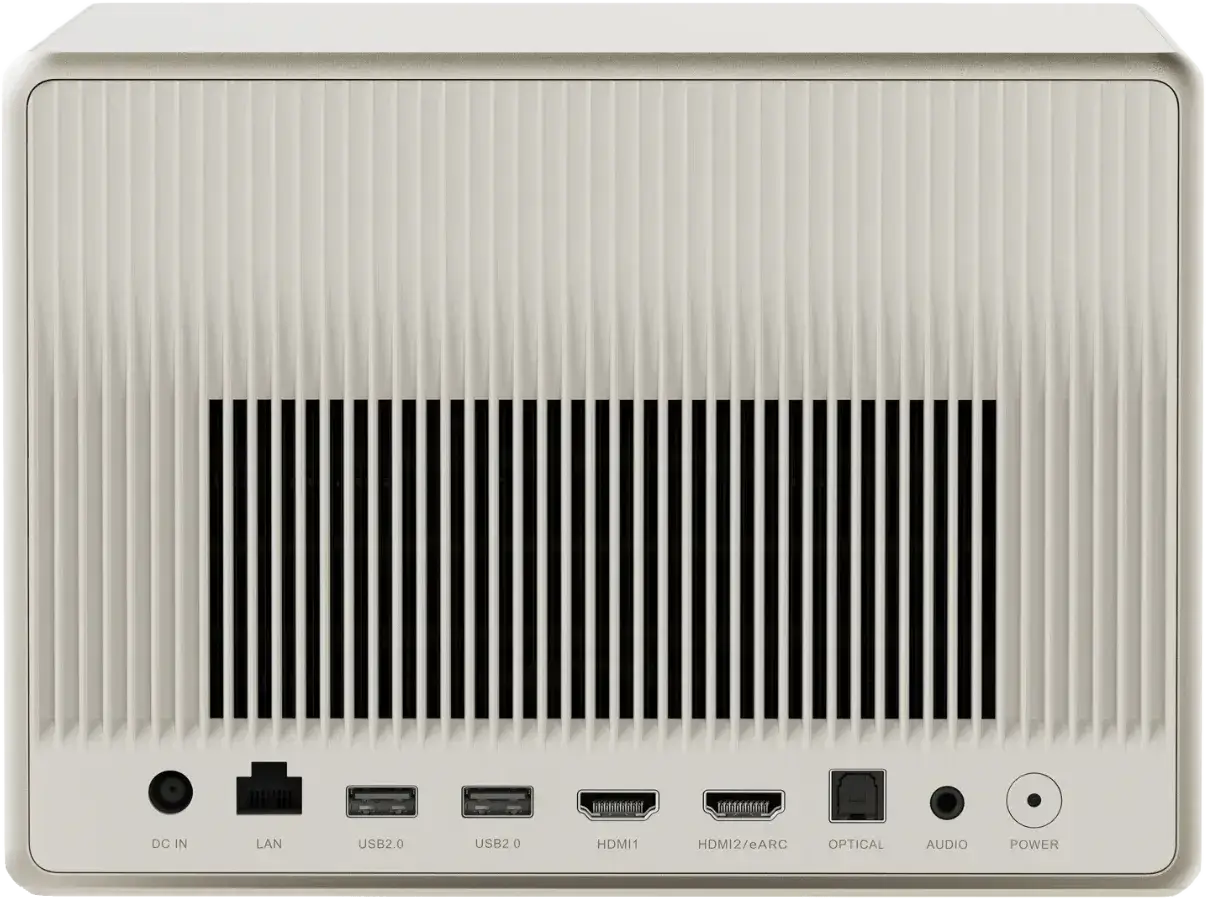
Xgimi horizon ultra 4k back device input options

Step 3: Insert the USB Drive

Insert the USB flash drive into the USB port of the projector.

Shopping Gallery

Step 4: Reconnect Power

Plug the projector back into the power outlet.

Step 5: Wait for the Indicator Light

Wait 6–7 seconds until the indicator light on the projector turns off.

Step 6: Long-Press the Projector Power Button

⚠️ Do NOT use the remote control

  • Press and hold the physical power button on the projector
  • Keep holding until the upgrade interface appears on screen

Xgimi horizon ultra 4k projector performing a usb firmware update to fix startup and black screen issues

Step 7: Wait for the Firmware Upgrade to Complete

  • The upgrade process will begin automatically
  • The fan may run at high speed—this is normal
  • Do not remove the USB drive
  • Do not turn off the power

Once completed, the projector will reboot automatically.

What Happens After the Upgrade?

After the firmware installation:

  • The projector will restart
  • Factory settings will be restored
  • Initial setup (language, Wi-Fi, Google TV login) will be required
  • The startup issue should be resolved

Most users report normal operation immediately after this process.
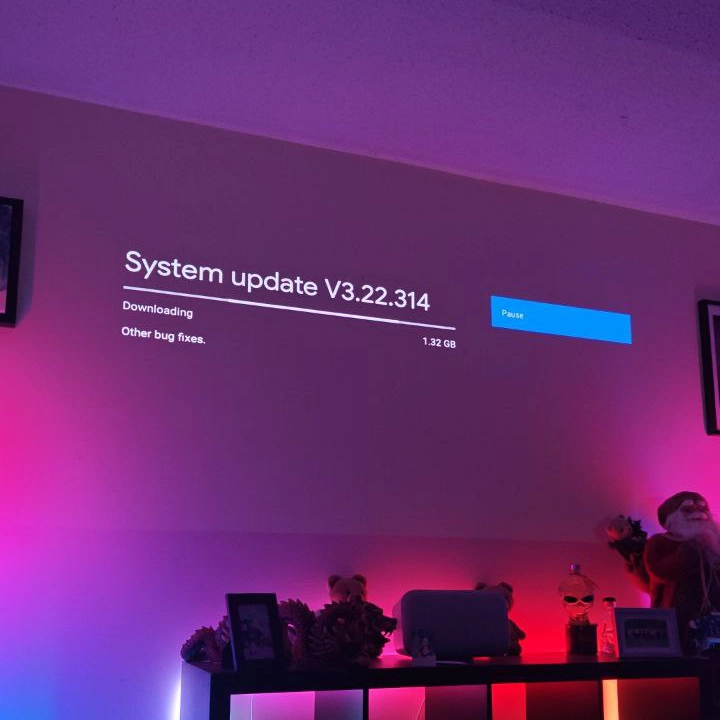
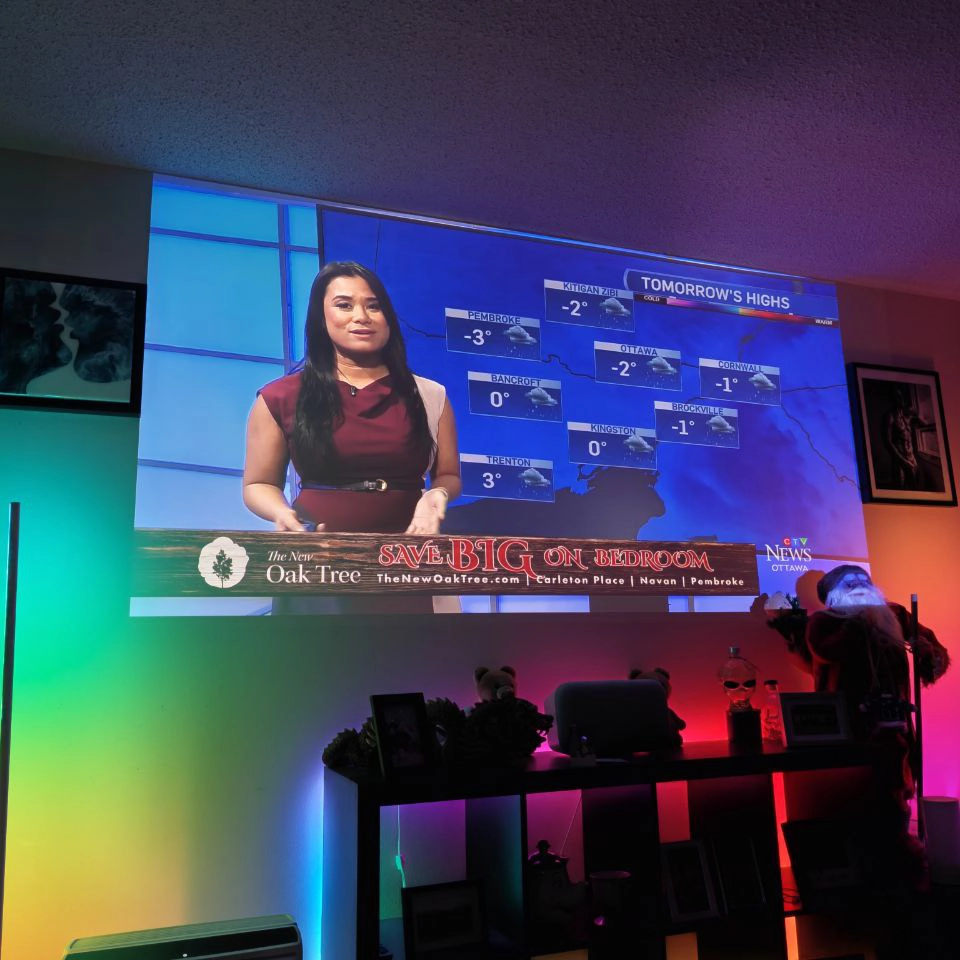
Xgimi horizon ultra 4k projector installing the latest os update after a successful firmware reinstallation via usbXgimi horizon ultra 4k projector playing video content normally after fixing a startup and black screen issue

Extra Tips for a Successful Recovery

  • Always use the projector’s power button, not the remote
  • Use a reliable USB drive (avoid very large or old drives)
  • Ensure stable power during the upgrade
  • Be patient—the process can take several minutes

Community Source & User Experience

This recovery method is based on real-world success shared by XGIMI users in the official subreddit:

🔗 Reddit discussion reference: https://www.reddit.com/r/xgimi/comments/1dmw5jz/no_display_after_initial_logos/

Many users confirmed that this exact method restored their projectors without needing service repair.

Frequently Asked Questions (FAQs)

1. Will this method fix a black screen after the logo?

Yes. This method is specifically designed for cases where the projector shows initial logos but fails to load the system.

2. Is it safe to update firmware using USB?

Yes, as long as you use the correct firmware file and do not interrupt the process.

3. Can I use this firmware on other XGIMI models?

No. This firmware is only for XGIMI Horizon Ultra. Using it on other models may cause permanent damage.

4. Why shouldn’t I use the remote power button?

The recovery mode is triggered only by the projector’s physical power button.

5. My fan is very loud during the upgrade—is this normal?

Yes. High fan speed during firmware flashing is completely normal.

6. What if the upgrade screen doesn’t appear?

Try again using:

  • A different USB drive
  • Proper FAT32 formatting
  • Correct timing when pressing the power button

Restore Your Projector with Confidence

Knowing how to fix XGIMI Horizon Ultra 4K not starting up can save you time, money, and stress. This firmware recovery method has already helped many users safely and effectively bring their projectors back to life.

By carefully following the steps and using the official firmware, you can restore full functionality without professional repair. Just remember—patience and precision are key.


TAGGED:4k projector not turning onandroid tv projector stuck on logoprojector firmware update via usbxgimi horizon ultra black screenxgimi horizon ultra boot loopxgimi horizon ultra factory resetxgimi horizon ultra firmware recoveryxgimi horizon ultra no displayxgimi horizon ultra not starting upxgimi horizon ultra startup issuexgimi projector black screen fixxgimi projector not booting
Share This Article
Facebook Pinterest LinkedIn Telegram Email Copy Link Print
Martin Guay
ByMartin Guay
Chief Editor
Follow:
I write, talk about technology, gadgets, the latest Android news as much as any other fellow geek, nerd, or enthusiast does. I work in the IT field as a System Administrator, and I enjoy gaming when possible. I'm into plenty of things, and you can usually find me around Ottawa, Canada!For all business inquiry email business-inquiry [@] cryovex [dot] com.
Previous Article Samsung galaxy devices featured in a valentine’s day tech gift guide celebrating everyday connection Celebrate Connection This Valentine’s Day with Samsung Galaxy
Next Article Oneplus valentine’s day sale canada featuring discounts on smartphones, earbuds, tablets, and wearables with free gifts OnePlus Valentine’s Day Sale Canada 2026: Limited-Time Tech Deals Worth Loving

Surfshark VPN – Best VPN 2026 – Rated #1

Surfshark VPN app connected on smartphone promoting fast VPN for unlimited devices
Fast, secure VPN protection for unlimited devices with Surfshark.

Dell – Laptops, Desktops & more – Get Financing!

Off Lease Dell Computers
Part of Mastodon

Related

Psp revolutionized handheld
FeaturedGaming

How The PSP Revolutionized Handheld Gaming Forever

4 Min Read
Geekom mini it13 compact powerhouse mini pc review
Hardware

GEEKOM Mini IT13: Compact Dynamo Packs a Punch

Xgimi 4k projector sale - elevate your home entertainment with unbeatable deals!
Deals

[SALE] Upgrade Your Home Entertainment XGIMI’s Epic Deals!

4 Min Read
Previous Next
Follow US
CRYOVEX.com brings captivating tech reviews, making mobile devices, gadgets, and tech fun and easy to understand for Canadians! © 2025 CRYOVEX.com. All rights reserved.By using this site, you agree to our Privacy Policy and Terms & Conditions.This website earns revenue through affiliate links, sponsored content, and advertisements. Sponsored posts are clearly marked for transparency.