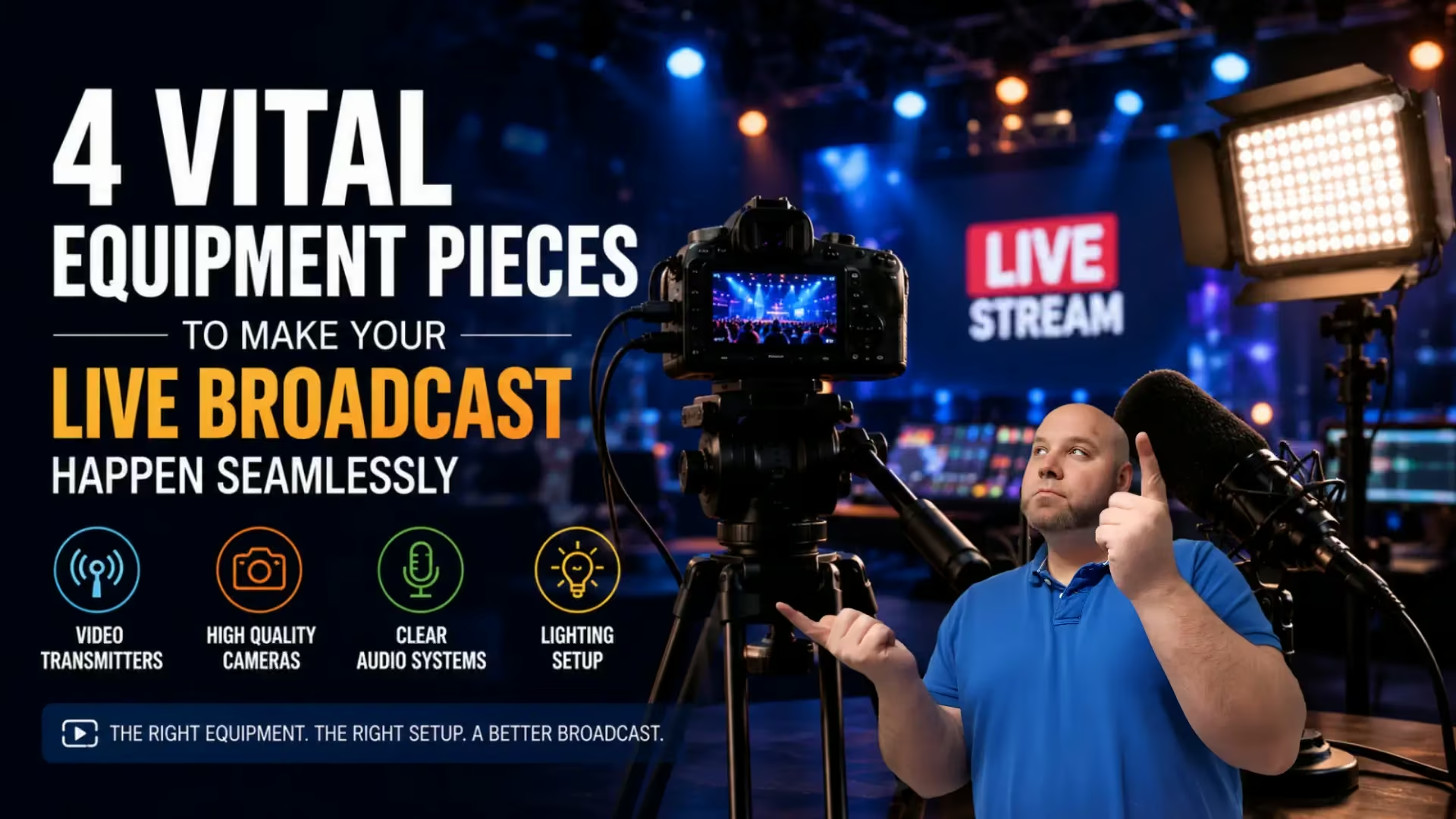
Live broadcasting has become an essential communication tool for businesses, content creators, educators, and event organizers looking to connect with audiences in real time. However, technical problems such as poor audio quality, unstable video signals, or inadequate lighting can quickly affect viewer engagement and reduce the professionalism of a stream. Using reliable live broadcast equipment helps create a smoother viewing experience while allowing presenters to focus on delivering content without unnecessary technical distractions.
When planning a live broadcast, the goal is to ensure everything runs smoothly from beginning to end. Successful livestreams require more than simply pressing the record button — they depend on a setup that audiences can rely on without interruptions or quality issues. With so many broadcasting tools and electronics available, choosing the right equipment can make a significant difference in overall production quality. By investing in dependable video transmitters, cameras, audio systems, and lighting equipment, broadcasters can reduce common technical problems and create a more engaging experience for viewers.
Video Transmitters
In order to keep your broadcast running without any interruptions, you need to have dependable live video transmitters on hand that send your footage from camera to screen in real time. This equipment helps you to maintain a strong and stable connection, even when you’re moving between locations or working with multiple angles. When you invest in reliable transmitters, you will reduce the risk of lag or dropped signal, too, which can be very frustrating to viewers. It also gives you more flexibility to produce dynamic content without being restricted by cables or distance.
Wireless video transmitters are especially useful during live events where mobility matters. Instead of relying on long HDMI or SDI cables, broadcasters can send high-definition video signals between cameras and production systems with minimal delay. This makes them valuable for conferences, sports coverage, concerts, weddings, and multi-camera livestreams where camera operators need flexibility to move freely.

Low-latency transmission is one of the most important features to look for in a live broadcast setup. Even a slight delay between video feeds can affect synchronization and reduce the viewing experience for audiences watching in real time. Reliable transmitters help maintain stable communication between devices and reduce the risk of signal interference or connection drops.
Many livestream interruptions happen because of unstable signal connections rather than camera issues themselves. Investing in dependable transmission equipment can help broadcasters avoid frozen video feeds, lag spikes, and sudden stream disruptions that frustrate viewers.
Related Posts

High Quality Cameras
Your camera choice has a direct impact on how your broadcast is received. You want crisp visuals that reflect the effort you have put into your content. Whether you’re using a professional camera or a high-end webcam, clarity and frame consistency matter. You should also think about how your camera performs in different lighting conditions, especially if your setup changes throughout the stream. A dependable camera helps you to portray your message clearly and keeps your audience engaged from the start.
The type of camera used can significantly influence the professionalism of a livestream. Many content creators choose DSLR or mirrorless cameras because they provide sharper image quality, improved autofocus, and stronger low-light performance compared to standard webcams. For beginners, however, high-quality webcams can still deliver reliable results for webinars, podcasts, and online meetings.
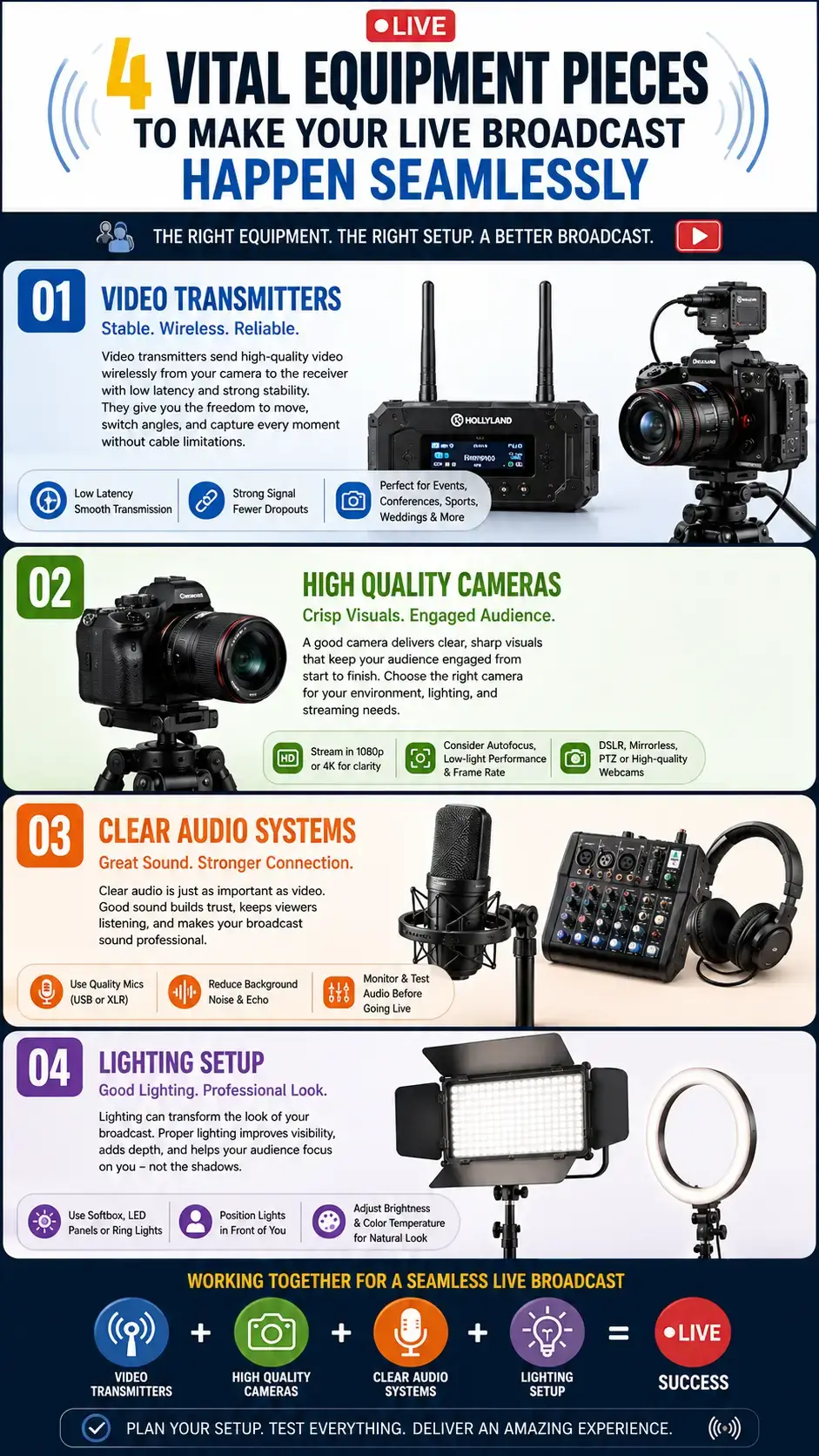
Resolution and frame rate also play an important role in the viewer’s experience. Streaming in 1080p helps maintain clear visuals, while higher frame rates can create smoother motion during fast-moving broadcasts such as gaming streams, sports coverage, or live demonstrations.
Lighting conditions should also be considered when choosing a camera. Some cameras perform well in controlled studio environments but struggle in dim lighting, causing grainy footage or inconsistent exposure during live broadcasts.
Viewers are more likely to stay engaged when facial expressions, presentation details, and on-screen visuals remain sharp and easy to follow throughout the stream.
Clear Audio Systems
Audio quality often has a greater impact on viewer retention than video quality alone. Audiences may tolerate average visuals for a short time, but distorted sound, background noise, or inconsistent volume levels can quickly cause viewers to leave a livestream. You need microphones that capture your voice clearly without picking up unnecessary background noise. Condenser microphones are popular choices depending on your chosen setup, but the key is consistency. When your audio remains even and easy to follow, your audience can stay focused on what you’re saying. Testing out your sound before going live can prevent disruptions and help you deliver a more professional and polished broadcast.
Different microphone types serve different broadcasting environments. USB microphones are commonly used for beginner livestream setups because they are simple to install, while XLR microphones are often preferred in professional productions due to their improved sound control and compatibility with audio mixers and interfaces.
Proper microphone placement is equally important. Positioning microphones too far away can create echo or hollow sound, while poor placement near speakers or noisy equipment may introduce feedback and unwanted background noise into the stream.
Testing audio levels before going live allows broadcasters to identify clipping, volume imbalances, or connection issues before viewers join the stream. Even small audio adjustments can make broadcasts sound significantly more polished and professional.
Lighting Setup
Lighting can completely transform the overall look of your broadcast more than you expect. You want your subject to be well-lit without any harsh shadows or glare. Getting the lighting just right can make or break your broadcast, so consider softbox lights or ring lights because they can make a noticeable difference. Positioning your lights correctly helps you to maintain a natural appearance that feels easy to watch too.
In order to keep your live broadcast running seamlessly, you need equipment you can rely on at every stage. Each of these items supports a different part of your setup, but together they create a reliable foundation for your live broadcast stream.
Proper lighting helps cameras capture clearer and more balanced visuals during live broadcasts. Even high-end cameras can produce poor-looking footage when the lighting is uneven or insufficient. A well-lit setup improves visibility, reduces harsh shadows, and creates a more professional appearance for viewers.
Ring lights and softbox lighting are commonly used in livestream studios because they create softer and more natural-looking illumination. LED panels are also popular for larger broadcasting setups where adjustable brightness and colour temperature are important.
Light positioning can dramatically affect video quality. Placing strong light sources directly behind the subject may create silhouette effects, while front-facing lighting helps maintain clearer facial detail and more balanced exposure during broadcasts.
Good lighting not only improves technical quality but also helps presenters appear more approachable and easier to connect with during livestreams.
FAQ
What equipment is essential for live broadcasting?
Reliable cameras, audio systems, lighting equipment, and video transmitters are among the most important tools for creating professional livestreams.
Why is audio quality important during livestreams?
Poor audio can make broadcasts difficult to follow and may cause viewers to leave quickly, even if video quality is strong.
Are wireless video transmitters worth using?
Wireless transmitters provide more flexibility during live events by reducing cable limitations and supporting mobile camera movement.
What type of camera is best for livestreaming?
The best camera depends on the production setup, but DSLR and mirrorless cameras are popular choices for high-quality livestream video.
How does lighting improve livestream quality?
Proper lighting reduces shadows, improves image clarity, and helps presenters appear more professional on camera.
Can beginners create professional livestreams?
Yes. Even beginner broadcasters can produce professional-looking livestreams by using dependable equipment and testing their setup before going live.
In The End…
A successful live broadcast depends on more than just good content. Reliable video transmitters, high-quality cameras, clear audio systems, and proper lighting all work together to create a professional viewing experience that audiences can trust. By investing in dependable equipment and testing setups in advance, broadcasters can reduce technical issues and deliver livestreams that feel polished, engaging, and reliable from beginning to end.