Over the years, laptops and notebooks have become faster, lighter, and more portable. Of course, AI is the current “big thing,” and many newer Windows-based laptops feature a built-in Microsoft Copilot key for quicker access to your AI assistant. Dynabook may not be a company you’ve heard of, but if you’re older like me, then its parent company, Sharp, most likely rings a bell. As such, they’ve been in the electronics and tech business for decades.
My Simple Take!
Our Dynabook Tecra A45-M review looks at a 14″ laptop with the aforementioned Microsoft Copilot shortcut key, plenty of ports, pretty solid battery life, and fairly decent performance. Read on for our full review!
Dynabook Tecra A45-M Specifications
The Dynabook Tecra A45-M review we reviewed is the flagship model, and has the following features and specifications (configurable when ordering):
- Processor: AMD Ryzen™ 7 250 (24 MB Cache, up to 5.10 GHz)
- Graphics: AMD Radeon™ 780M Graphics
- Display: 14″ WUXGA 1920×1200 16:10 display with 300 nits brightness rating
- Memory: 16GB DDR5 5600
- Storage: Phison 512GB PCle NVMe M.2 2280 SSD Solid State Drive C-E80T512G2-P003D2E19T
- Communication: Realtek® RTL8111H-CG Gigabit Ethernet, MediaTek Wi-Fi 7 MT7925, Bluetooth
- Ports: 2x USB 4.0 Type-C (Thunderbolt 4), 2x USB 3.2 Gen 1 (one w/ USB Sleep and Charge), HDMI, RJ-45, microSD, Headset
- Input Device: Click Pad Multi-touch Touch Pad, U.S. English Raised Tile, Backlit Keyboard
- Camera: 720p Webcam with Privacy Shutter
- Audio: Stereo Speaker System, Dual-Array Microphones, DTS Audio Processing
- Security: Trusted Platform Module (dTPM 2.0), Reinforced Security Lock Slot
- Power: 65W (19V) 100-240V/50-60Hz AC Adapter, 60 Wh Lithium Polymer battery pack
- Operating System: Windows 11 Pro
- Materials: Magnesium Alloy Chassis, Tested to MIL-STD-810H methodologies
- Colour: Dark Blue Metallic (but looks black)
- Dimensions: 313.2 x 220.9 x 19.9 mm (12.3 x 8.7 x 0.78 in)
- Materials: Polycarbonate ABS Chassis, designed to MIL-STD-810H Standards
- Weight: Starting at 1.44 kg (3.17 lbs)
- Warranty: 3-year standard limited warranty
What’s in the box
- Dynabook Tecra A45-M Laptop
- Dynabook 65W AC Adapter (4mm barrel)
- 3 years of Dynabook’s +Care Service Warranty with On-site service
Related Posts


Design: Compact & lightweight
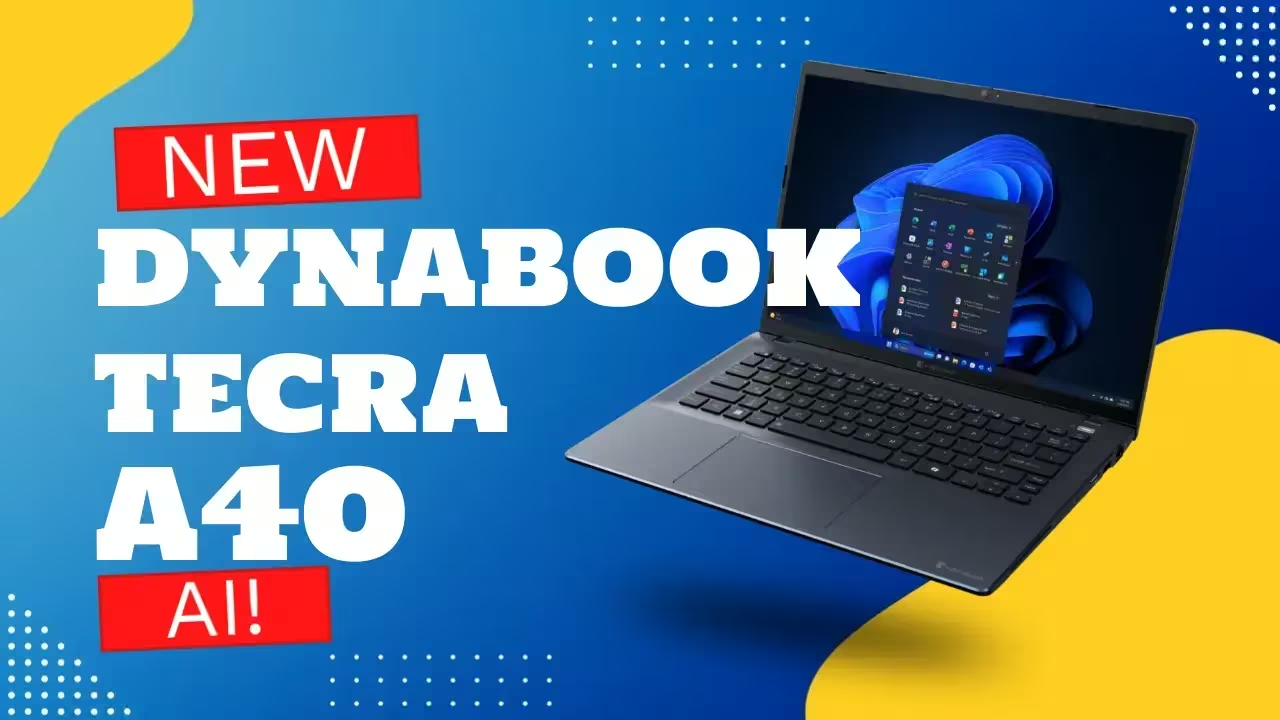
The Dynabook Tecra A45-M laptop looks like your typical ultrabook at a glance. It’s small, roughly 12 inches wide by just under 8 3/4 inches deep, and just over 3/4 of an inch thick. Not bad for a 14-inch laptop. As for the colour, it is Dark Blue Metallic (almost black), the lid is thin, and the Dynabook logo is raised, shiny silver across the middle. As far as branding goes, it is a bit shiny but doesn’t look overly distracting.

What makes this one different from many other ultrabooks is that it has plenty of ports for all your computing needs. Along the left side, from back to front, you’ll find the lock slot, a round power connector, a full-sized HDMI port, a USB-A port, two USB-C ports, and a 3.5mm audio/microphone jack. Just in front of that is a small LED to indicate power/hard drive activity. On the right side, again from back to front, you’ll find a full-sized Ethernet port, a second USB-A port, and a microSD card slot.

Lifting the lid up, you’ll see that it is attached with two hinges, one on either side. The display-side bezels are about 1/4-inch thick; the top bezel is about 1/2-inch thick, with the webcam (and privacy cover) and microphone pinholes centred at the top; and the bottom bezel is also about 1/2-inch thick. The Dynabook logo is printed in dark grey, centred on the bottom bezel. The front-facing webcam also has a physical privacy shutter.
The keyboard itself is pretty standard as well. It is backlit, has five full-size rows, and a half-height row for your function keys. The arrow keys are half-height and located on the bottom right of the keyboard. The power button sits on the far right of the top row of the keyboard. Typing isn’t too bad with the keyboard either, and I can easily hit my standard 100+ wpm.
Overall, there’s nothing overly special or standout about the Dynabook Tecra A45-M, but it does look, and is, functional.
Display: Adequate, but nothing to write home about…
The Dynabook Tecra A45-M features a matte, 14″ WUXGA (1920×1200) display with a maximum of 300 nits brightness rating. While it is only WUXGA resolution, it’s more than adequate for this screen size. Overall, the colours look decent, and the matte panel helps to eliminate glare depending on your surroundings. It is bright enough in most cases as well, and I found that, used indoors, a brightness of about 50-60% was more than suitable (not to mention it helps extend battery life).

Software: Windows 11 Pro
While most systems ship with Windows 11 Home, the Dynabook Tecra A45-M ships with Windows 11 Pro, giving you full access to all the consumer and business features Windows 11 offers out of the box. If you’ve read any of our other recent laptop or desktop reviews, you’ll know that we’re pretty big fans of Windows 11 here at Cryovex. It’s a decent OS with a modern look and feel that runs just fine, especially on a system with an AMD Ryzen 7 processor.
The included power adapter is pretty small, roughly 3 1/2 inches by 2 inches by an inch. Combined with the power cable, it’s roughly 9 feet in length. This is a nice size and should let you plug in and set up almost anywhere without worrying about a cord being too short.
There’s not much bloatware pre-installed on this system, so it’s a pretty clean, fresh Windows 11 install.
Performance: Does AI-acceleration help?
According to Tecra, the:
“14-inch Tecra A45-M delivers exceptional, Al-accelerated performance powered by AMD Ryzen™ technology. Built for today’s mobile professionals, it combines robust security, enterprise-ready power, and effortless portability to keep you productive anywhere your work takes you.”
The Dynabook Tecra A45-M, as tested, has pretty decent specifications. With an AMD Ryzen™ 7 250 (24 MB Cache, up to 5.10 GHz), 16GB of LPDDR5 RAM, and a 512GB PCIe NVMe SSD, it sounds pretty good on paper. As I do in most computer reviews, I ran the usual hard drive read/write benchmarks:
- CrystalDiskMark Seq Read (Q8T1): 3434.91 MB/s
- CrystalDiskMark Seq Write (Q8T1): 2385.06 MB/s
- AS SSD Seq Read: 2612.32 MB/s
- AS SSD Seq Write: 1300.15 MB/s
- ATTO Seq Read (max): 3.34 GB/s
- ATTO Seq Write (max): 2.25 GB/s
- AJA Video System Test Read: 2283 MB/s
- AJA Video System Test Write: 1960 MB/s
While there are much faster SSDs out there, the one installed in the Dynabook Tecra A45-M offers decent read speeds and acceptable write speeds. As always, these benchmark tests tend to vary, and what matters is real-world usage. To be honest, during basic office work and tasks, I didn’t feel like I was really waiting long for anything to load from or save to the hard drive. The laptop even handled Photoshop and Lightroom adequately enough with its AMD Radeon Graphics, but of course, it is no match for a computer with a dedicated gaming card.

Using UL Procyon tests, on the AI side, this laptop generated 512×512-pixel images in about 25 seconds each using Stable Diffusion 1.5. For text generation, things got a bit fun:
- When asked to write a long poem in 200 lines about the capitals of all countries in Europe, it took about 16 seconds to output the result
- When given a code snippet and asked to explain the name of the algorithm and its complexity, it took just under 16 seconds to output the result
- When asked to read a specific text passage and assign a positive, negative, or neutral label, it took 14.5 seconds to output the result
- When asked to give a detailed 500-word summary of a document, it took about 12 seconds to output the result
As for whether the quoted AI-acceleration actually makes a difference, while the test scores were pretty solid, the Tecra performed just fine for business-related tasks. From a human perspective, it processed tasks as I’d expect and was pretty snappy for the most part. It’s also pretty quiet, and even after extended use, it didn’t feel warmer than it should.
Sound Quality: Crisp, clear, but (as expected) little bass
The Dynabook Tecra A45-M has a stereo speaker setup with DTS Audio Processing. As with most laptops, there isn’t much bass onboard, but it does get pretty loud. At full volume, it is still crisp and clear. Given that it has Bluetooth and a 3.5mm audio jack, you’ll likely use it with headphones, but the onboard audio does well enough in a pinch.
Camera: Low quality, but hey! Privacy shutter!
Unfortunately for this laptop, and it’s not just Dynabook that’s stuck in the past when it comes to webcams, the front-facing webcam still only has a 720p resolution. Sure, it’s fine enough, but in this day and age of remote meetings and teleconferencing, there’s no reason 1080p isn’t the standard. On that note, it does come with a physical private shutter, so you can be assured you’re not on camera when you don’t want or need to be.
Battery Life: Should easily get you through an average work day
With an ultrabook, portability really is the goal. Alongside an ultraportable laptop, battery life is important. The UL Procyon Office Productivity Battery Life benchmark test reported a pretty solid 11 hours and 53 minutes. This test consists of running various Microsoft Office tasks. I ran these tests at about 75% screen brightness with the backlit keyboard on. During actual testing and use with the same parameters, I saw roughly the same, with about a 9% battery drain per hour. During this time, I was mostly doing some web browsing and document editing, with some YouTube and Spotify tossed in for good measure.

Once depleted, it took about 2 1/2 hours to fully recharge using the included 65-watt AC adapter. Bummer it’s a barrel port still and not a standard USB-C connection, given the relatively standard charging wattage.
Price/Value: Reasonably priced for what you get
The Dynabook Tecra A45-M starts at USD$$859. Our review unit retails for $1029, which is the most expensive model. It is a light, portable, and pretty decently performing laptop with enough ports to avoid needing an adapter or hub. It is currently available only to US customers on the Dynabook website.
Should you buy it? The Verdict!
The Dynabook Tecra A45-M, as tested, is a pretty solid portable laptop. It does perform well, though, and with improved battery life compared to previous Dynabook laptops I’ve tested, it’s a decent choice for an office or everyday laptop.