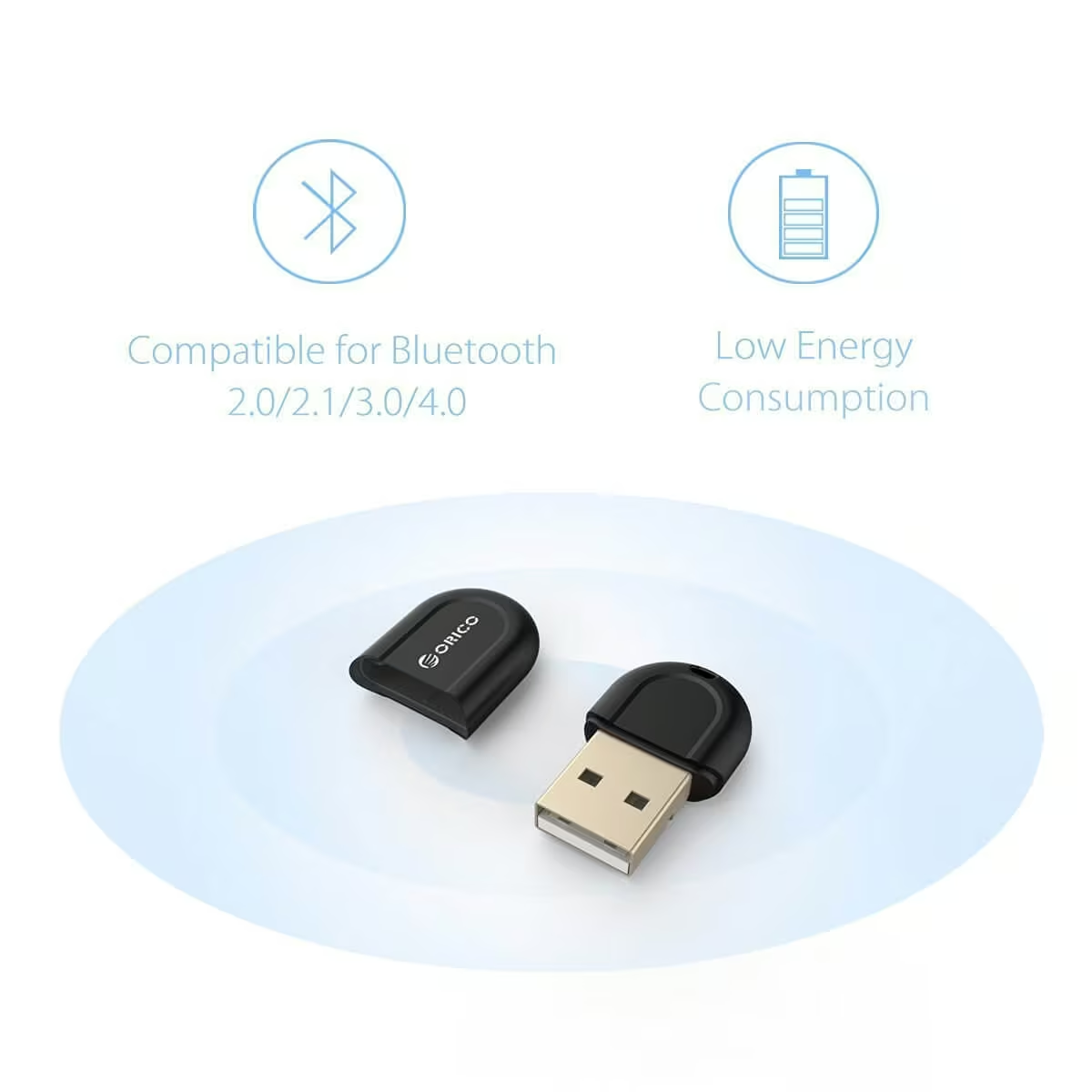
From time to time, you may need the additional capability of Bluetooth on a device that doesn’t support it, such as your desktop computer at home or the office. ORICO aims to solve this problem by giving you that ability.
I needed the ability to connect some Bluetooth devices to my PC such as a Bluetooth mice and Headset. Rather than running around with more wires and or dongle, this was the best solution. I picked up the ORICO Bluetooth 4.0 adapter.
I’ve now been able to set myself up with a headset that’s Bluetooth, mice and keyboard combo that’s also Bluetooth. Sure, I could have gone with the wireless dongles and whatnot, but I wanted to keep most of my USB port free. It wouldn’t of look as pretty as it did on my desk.
It does the job for what I need and I’ve yet to experience any problems.
However, you may want to inspect the device you do receive, I noticed that mine the inside of the USB plug plate was loose, by pushing it into place with a small pin the problem was fixed and for that reason alone I’ll give this a 4 out of 5.