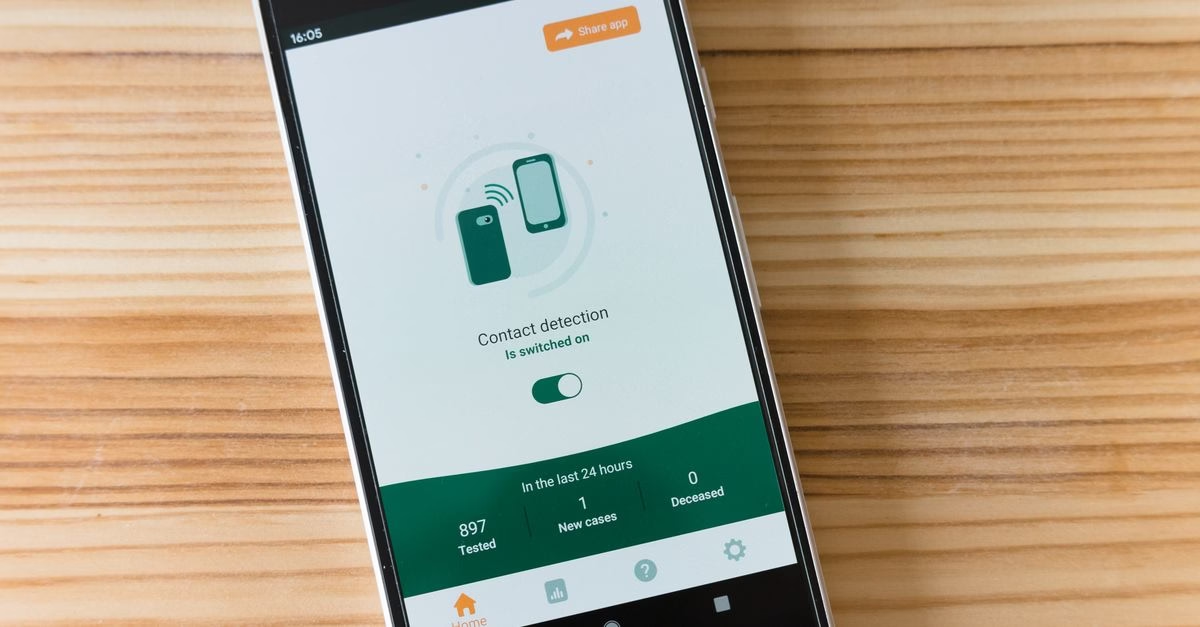
The Silent Data Drainers on Your Phone
Recent coverage from BGR identifies five specific Android settings that frequently cause unexpected spikes in mobile data usage. While many users monitor their overall data caps, they often overlook granular controls that allow apps to sync, update, or preload content in the background.
The report emphasizes that these issues are rarely due to a single rogue app but rather a combination of default configurations designed for convenience rather than efficiency. For instance, features like Adaptive Battery use AI to predict usage patterns, which can inadvertently trigger more frequent background processes if not properly managed.
Why Convenience Features Cost You Data
Understanding these settings is crucial for anyone on a limited data plan. The core issue lies in the trade-off between seamless user experience and resource conservation. When Android’s system-level optimizations, such as predictive caching or automatic media syncing, are left at their defaults, they prioritize speed and availability over data economy.
This matters because these background tasks accumulate quickly. A few megabytes here and there during idle time can add up to gigabytes over a month. By adjusting these specific toggles, users regain control over when and how their device communicates with servers, directly impacting their monthly bill and preventing mid-cycle data throttling.

Taking Control of Your Mobile Usage
The takeaway is straightforward: audit your Android settings regularly. Don’t assume that factory defaults are optimized for your specific usage habits. Checking permissions for background data access and reviewing battery optimization exceptions can yield immediate savings.
While the source does not list every technical step for each setting, the implication is clear—small configuration changes have outsized effects on data consumption. Users should treat these hidden settings as essential maintenance items rather than optional tweaks, ensuring their phone works for them, not against their wallet.