


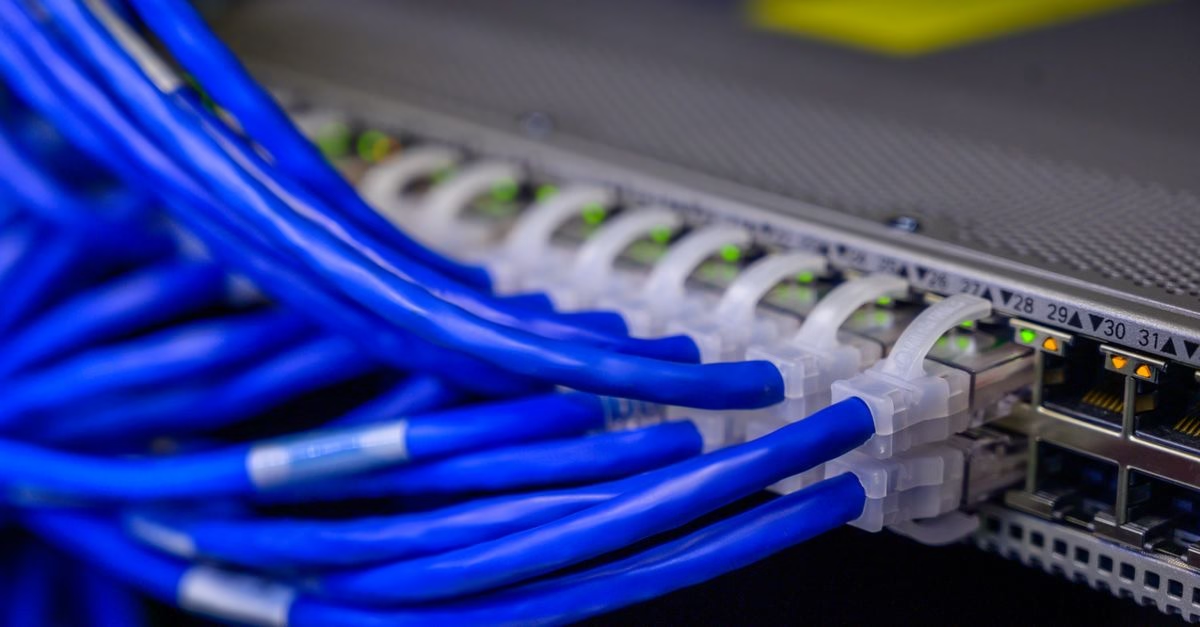
Cable Matters Unveils High-Speed Dual-Laptop Switch
Cable Matters has officially introduced its latest peripheral management solution, the 40 Gbps USB4 KVM Switch, identified by model number 201342. This new hardware targets professionals and enthusiasts who operate two laptops simultaneously, such as a corporate-issued work machine and a personal device. The primary function of this switch is to allow users to share a single high-performance display and peripheral set between two computers without the physical hassle of unplugging and replugging cables.
The announcement highlights the device’s ability to handle substantial data throughput, leveraging the USB4 standard to maintain high-speed connectivity. Jeff Jiang, President of Cable Matters Inc., emphasized the practical benefit of this design. He noted that switching between a work laptop and a personal computer should be a simple process. The new switch facilitates this by letting users share a compatible monitor or docking station at the press of a button, creating a more organized and efficient workspace.
Technical Capabilities and Connection Architecture
The core technology behind this device is its support for the USB4 protocol, which enables data transfer speeds up to 40 Gbps. This bandwidth is critical for users who need to drive high-resolution displays or transfer large files quickly while switching between systems. Unlike older HDMI-based KVM switches that may struggle with modern high-refresh-rate monitors or complex docking stations, this USB4 implementation is designed to handle the rigorous demands of contemporary computing setups.
Users connect their two laptops to the switch via USB-C ports. The switch then connects to a compatible USB-C monitor or a USB-C docking station. When the user presses the switch button, the control of the display, keyboard, mouse, and other connected peripherals instantly transfers from one laptop to the other. This setup eliminates the need for multiple monitors or constant cable swapping, which can wear out ports and create desk clutter. The device acts as a central hub, managing the signal routing efficiently to ensure minimal latency during the transition.

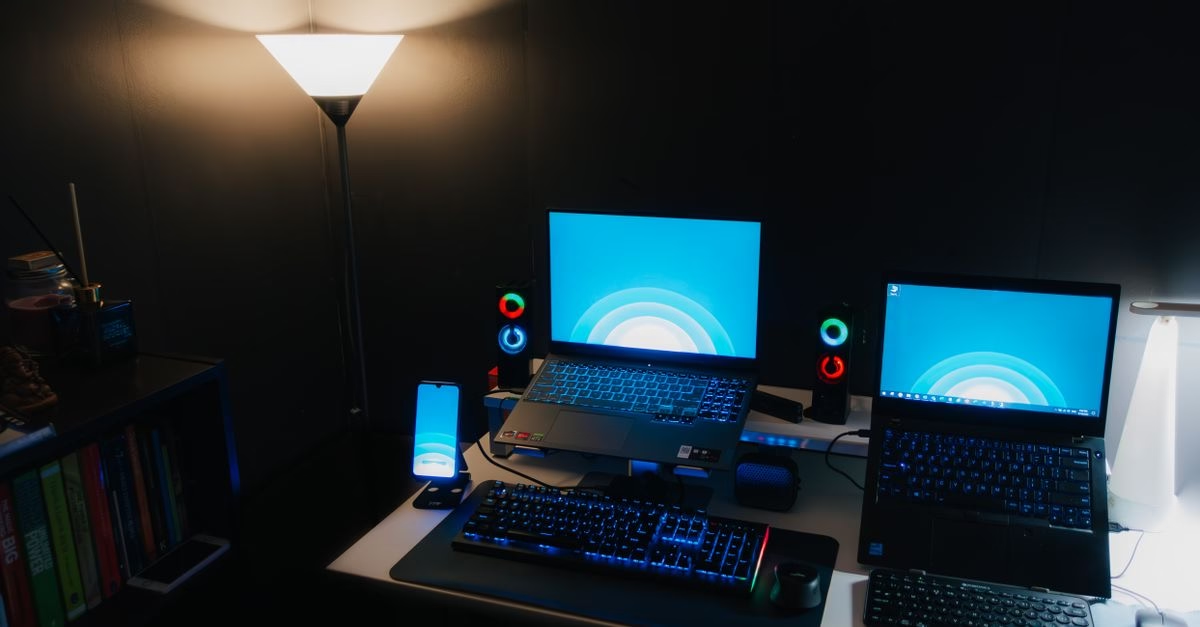
Solving the Dual-Device Dilemma for Hybrid Workers
The modern professional landscape often requires individuals to manage multiple computing identities. A common scenario involves a secure work laptop provided by an employer and a powerful personal laptop for creative projects or gaming. Traditionally, managing these two devices on a single desk meant either dedicating separate monitors and peripherals to each or enduring the daily frustration of swapping cables. This friction not only wastes time but also increases the risk of damaging sensitive USB-C ports through repeated insertion and removal.
The introduction of a USB4 KVM switch addresses this specific pain point by offering a seamless bridge between two distinct computing environments. For Canadian buyers, especially those in urban centers with limited desk space, the ability to consolidate inputs into a single clean setup is highly valuable. It supports the trend toward flexible work arrangements where employees might need to switch contexts rapidly throughout the day. By simplifying the physical layer of this workflow, Cable Matters is removing a significant barrier to productivity and ergonomic comfort.
Workspace Optimization and Compatibility Considerations
Implementing this switch requires careful attention to compatibility. Users must ensure their monitors or docking stations are USB-C compatible and capable of handling the video and data signals routed through the switch. While the 40 Gbps bandwidth is robust, not all USB-C monitors support the full range of features when connected through an intermediate switch. Users should verify that their display supports DisplayPort Alt Mode over USB-C to ensure video transmission works correctly alongside peripheral data.
For those using docking stations, the switch allows the entire dock ecosystem—including Ethernet, audio, and additional USB ports—to be shared. This means a user can have a single high-quality mechanical keyboard, a precision mouse, and a 4K monitor connected to the dock, and access them fully from either laptop. This setup is particularly beneficial for developers, designers, and data analysts who rely on consistent peripheral configurations regardless of which machine is active. It transforms a chaotic desk into a streamlined command center.
Known Constraints and Unanswered Questions
While the specifications promise high performance, there are inherent limitations to consider. The press release does not specify whether the switch provides power delivery (PD) charging to the connected laptops. Many modern USB-C hubs offer pass-through charging, allowing the monitor or dock to power the laptop. If this device lacks PD support, users will still need to keep their laptop chargers plugged in separately, which partially defeats the purpose of cable reduction. Clarification on power delivery capabilities is essential for potential buyers.
Additionally, the term ‘compatible USB-C monitor’ suggests that not all displays will work flawlessly. Older USB-C monitors or those with proprietary implementations may face handshake issues when introduced to a KVM switch. There is also no mention of support for Thunderbolt 3 or 4 specifically, although USB4 is generally backward compatible. Users with strict Thunderbolt requirements for external GPUs or high-speed storage arrays should verify compatibility before purchasing. The price point and availability in Canadian retailers were not detailed in the initial announcement.
A Strategic Step Toward Cleaner Desk Setups
Cable Matters’ new 40 Gbps USB4 KVM Switch represents a logical evolution in peripheral management for multi-device users. By focusing on high bandwidth and ease of use, the company addresses a growing need among professionals who juggle multiple computing roles. The ability to switch between two laptops with a single button press offers tangible benefits in terms of time savings and desk organization.
However, prospective buyers should investigate the specific compatibility of their existing monitors and docks, as well as confirm whether power delivery is supported. As remote and hybrid work models continue to dominate, tools that simplify the physical interface between our digital lives will become increasingly essential. This switch offers a promising solution, provided it integrates smoothly with the diverse ecosystem of USB-C hardware currently on the market. Users should look for further technical details and pricing information as the product becomes widely available.





