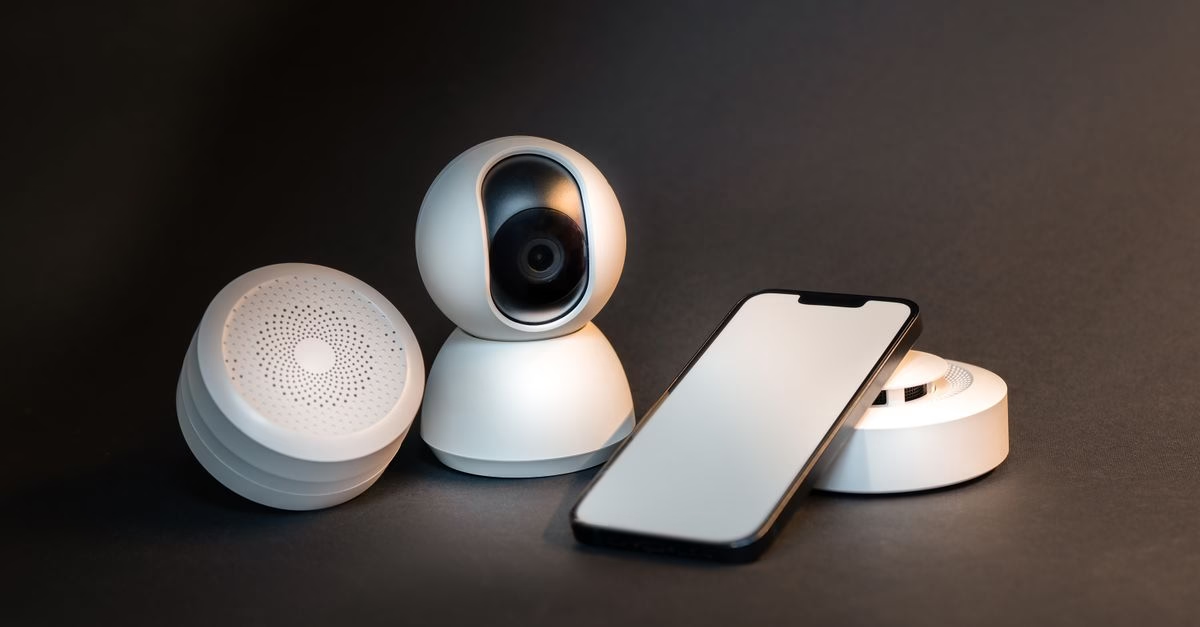
The Compatibility Checklist for Smart Cameras
Buying a security camera without checking its Google Home integration can leave you with a device that doesn’t fit your smart home ecosystem. Recent guidance highlights that not all cameras support the same level of interaction with Google Assistant devices.
The core issue is feature parity. While many cameras connect to Wi-Fi, only those specifically designed or certified for Google Home allow seamless voice commands and direct feed viewing on smart displays. Brands such as Google Nest, Tapo, Arlo, and Wyze are noted for their compatibility, but the depth of integration varies by model.
Why Voice Control and Live Feeds Define Usability
For users relying on Google Home hubs, the ability to say “Hey Google, show me the front door” is more than a convenience; it’s a primary method of monitoring property. Without this native support, you’re forced to open separate apps, defeating the purpose of a centralized smart home.
Beyond basic video access, supported features significantly enhance utility. Two-way talk allows you to communicate with visitors or deter intruders directly through the speaker. Real-time recording ensures footage is captured for later review, while smart detection uses AI to distinguish between humans, animals, and other motion, reducing false alerts.

Gemini integration further refines the experience by providing detailed event histories and allowing voice commands to turn cameras off for privacy. If a camera lacks these specific hooks into the Google ecosystem, it functions merely as a standalone webcam rather than an integrated security node.
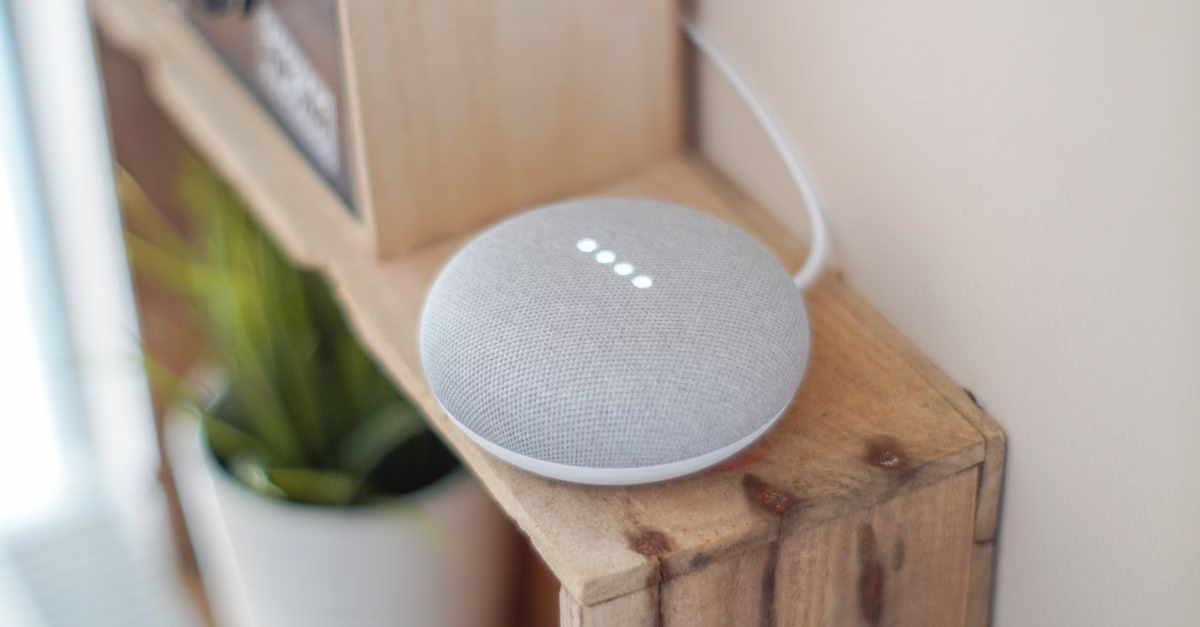
Verifying Specs Before Purchase
Consumers should prioritize cameras explicitly listed as compatible with Google Home Assistant. Checking product specifications for voice command support, live feed streaming to smart displays, and AI-driven detection features prevents buyer’s remorse.
While subscription-free options exist, they often lack the advanced integration found in premium ecosystems. Evaluating whether you need simple remote viewing or deep assistant interaction determines which brand—Nest, Arlo, or others—is the right fit for your setup.