


The Speed Penalty Behind Quad-Channel DDR5 on Ryzen
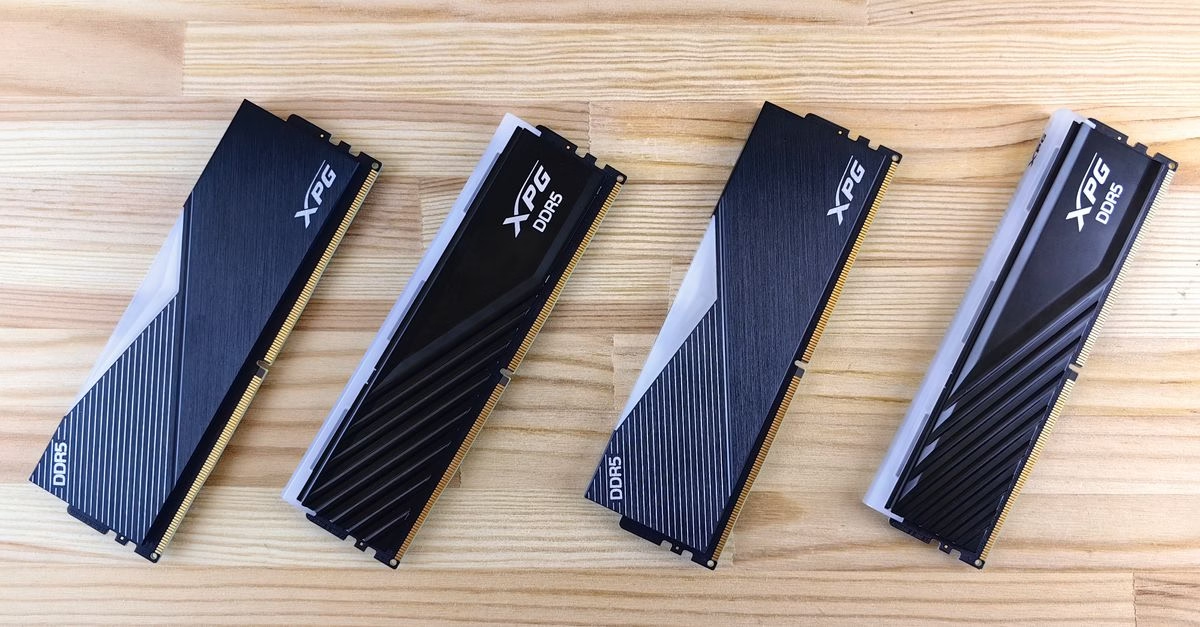
If you have open RAM slots on your computer and are considering an upgrade, make sure you check your system’s specs to ensure you don’t inadvertently make it slower. Recent analysis highlights a common pitfall for AM5 builders: adding a second pair of DDR5 modules to reach four sticks total can significantly reduce the maximum supported memory speed. While the intuitive assumption is that more memory equals better performance, the reality of the AM5 architecture introduces a complex bottleneck.
The memory controller within the Ryzen processor must manage signals across all four channels simultaneously, which places a heavier electrical load. This increased load often prevents the system from maintaining the high clock speeds advertised for dual-channel setups, forcing a fallback to lower, more stable frequencies. Consequently, users who blindly expand their capacity without understanding these electrical constraints may find their new, larger pool of RAM running slower than their original setup.
Balancing Capacity Needs Against Bandwidth Losses
This discovery matters because it challenges the straightforward ‘more is better’ mentality that drives many hardware purchases. For gamers and content creators, memory bandwidth plays a critical role in frame rates and rendering times. If the speed reduction caused by four sticks outweighs the benefit of having more capacity, the overall user experience could degrade rather than improve. It is essential to distinguish between raw gigabytes and effective throughput.
A system with 32GB running at 6000MHz might outperform a system with 64GB running at 4800MHz in latency-sensitive tasks. Canadian buyers and tech enthusiasts need to evaluate whether their workload actually requires the extra capacity or if they would be better served investing in higher-quality, faster two-stick kits. Ignoring these nuances can lead to wasted money on components that fail to deliver the expected performance gains, turning a potential upgrade into a frustrating downgrade.

Verifying Specs Before Opening Your Case
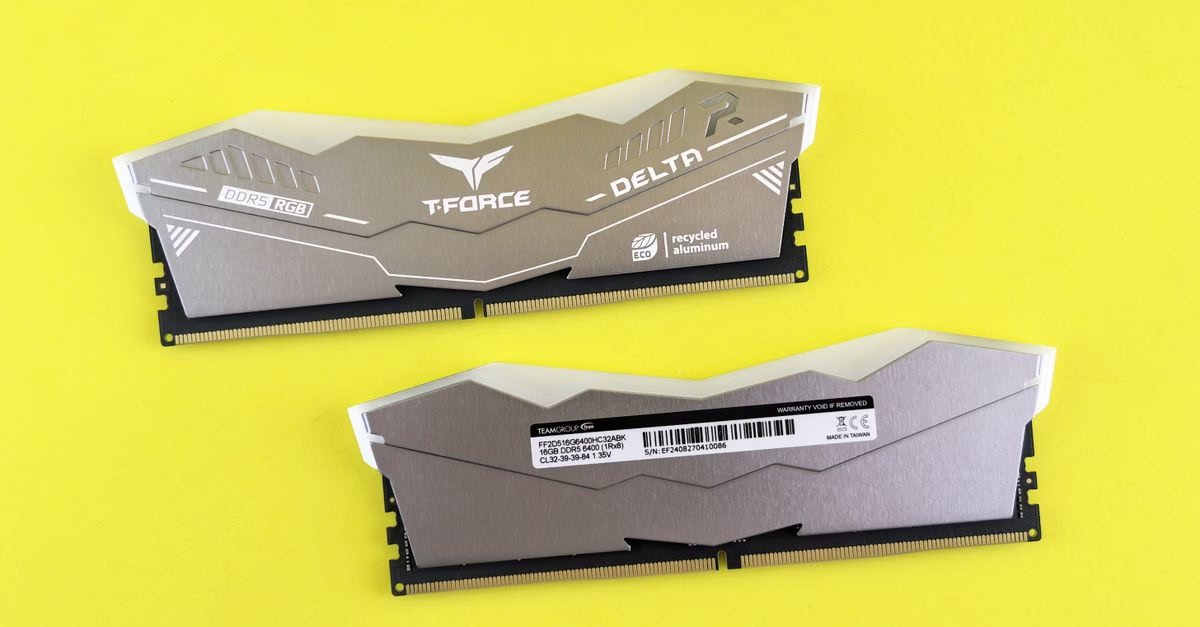
Before rushing to purchase additional RAM modules, take a moment to consult your motherboard’s qualified vendor list (QVL) and the specific memory support guidelines for your Ryzen CPU. These official documents will clarify the maximum speeds achievable with four populated slots versus two. Understanding these limits allows you to make an informed decision that aligns with your actual usage patterns. If your current capacity suffices for your applications, sticking with a high-speed dual-channel kit is often the smarter technical choice.
However, if you are hitting memory ceilings in heavy multitasking or professional workflows, the capacity gain may justify the speed sacrifice. Always prioritize verified specifications over marketing assumptions to ensure your AM5 build remains optimized for both speed and stability.





