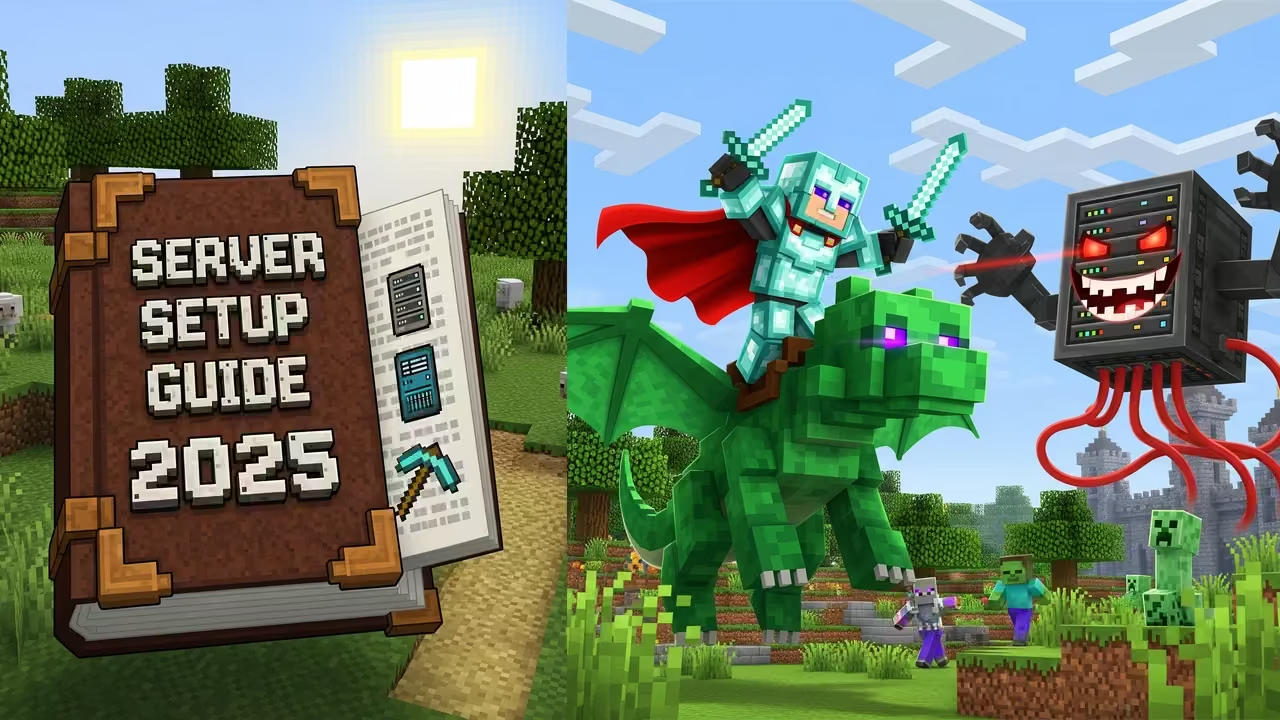
Minecraft’s success is truly unprecedented, and it’s easy to see why. Back in 2009, when the game released for PC, there was nothing else out there like it. Even to this day, nothing has quite been able to capture the magic, which is why millions of people are still playing it more than 15 years later.
The game quickly evolved from a solitary experience to one best enjoyed with friends, but for the uninitiated, it can be a little confusing to get set up properly.
Setting up your own server may seem a little daunting, but it’s actually much more straightforward than you think it is, and this article is here to help with that. Here’s what you need to know to set up a Java Minecraft server in 2025.
1. Setting Up Your Server
If you want to host your own Minecraft server to play with your friends in multiplayer, the first thing you’ll want to do is download the official server pack from the Mojang website.

Having done so, you’ll then need to configure your server.properties file that came with the pack: from here, you can change your world name, difficulty, maximum players, and so on.
You’ll then need to open port 25565 on your router to allow other players to join (check out this tutorial for instructions).
2. Choosing Your Hosting Method
Having set up your server software, you’ll then need a way to host it. You can either choose to host the server yourself or use a dedicated Minecraft server host.
Going it alone is free, but it means that you’re responsible for keeping your server running whenever the other players want to use it, and it’s up to you to maintain tight security. Many players consider this more effort than it’s worth, so they opt to pay a small fee to a hosting service each month to avoid the hassle.
3. Getting The Most Out Of The Experience
Once you’ve sorted out your hosting method, you can get started. Many servers have been maintained for well over a decade, and the world is truly your oyster in regard to making the experience your own.
It’s usually best to start with a smaller number of players first (say 5 or 6) while you all find your footing; it may be that initially, you opt to play classic survival mode for a bit so that you can get used to the feel of collaborating with other players.
After this, you can start to look into custom gamemodes, such as roleplay or skyblock. There are also a plethora of mods and resource packs you can use to drastically change how the game looks and feels.
Related Posts


4. Other Recommended Tips for Running Your Server
Once your Minecraft server is up and running, there are a few additional things worth keeping in mind to make sure the experience is smooth, secure, and fun for everyone:
System Requirements & Performance
Running a server can be resource-intensive. At a minimum, aim for a quad-core CPU, 4 GB of dedicated RAM (more if you’re using mods), and SSD storage for faster chunk loading. A stable internet connection with at least 10 Mbps upload is ideal for smaller groups. The more players or mods you add, the more power you’ll need.
Whitelisting & Security
It’s always a good idea to keep your server safe from unwanted visitors. Enable whitelisting in the server.properties file so only players you approve can join. Back up your world regularly, and if you’re running plugins or a control panel, make sure you’re using strong admin passwords.
Plugins & Quality of Life
Even if you want to stay close to the vanilla Minecraft experience, lightweight plugins can make managing your world easier. Popular choices include:
- EssentialsX for handy commands like /home and /warp.
- LuckPerms for fine-tuned player permissions.
- Dynmap for an interactive web map of your world.
Backups & Updates
Minecraft updates often, which can sometimes cause mods or plugins to break. Always back up your world before updating, and consider testing new updates separately before rolling them out to your main server.
Wrapping Up
A custom Minecraft server isn’t just another multiplayer game – it’s a chance to build a community that could last for years to come. There are new ways to play evolving all the time, so as a host, make sure you stay up to date to get the most out of your world. Have fun!