How-to DISABLE Google’s Feed content in the Google app

Martin Guay
Martin Guay - Chief Editor
2 Min Read
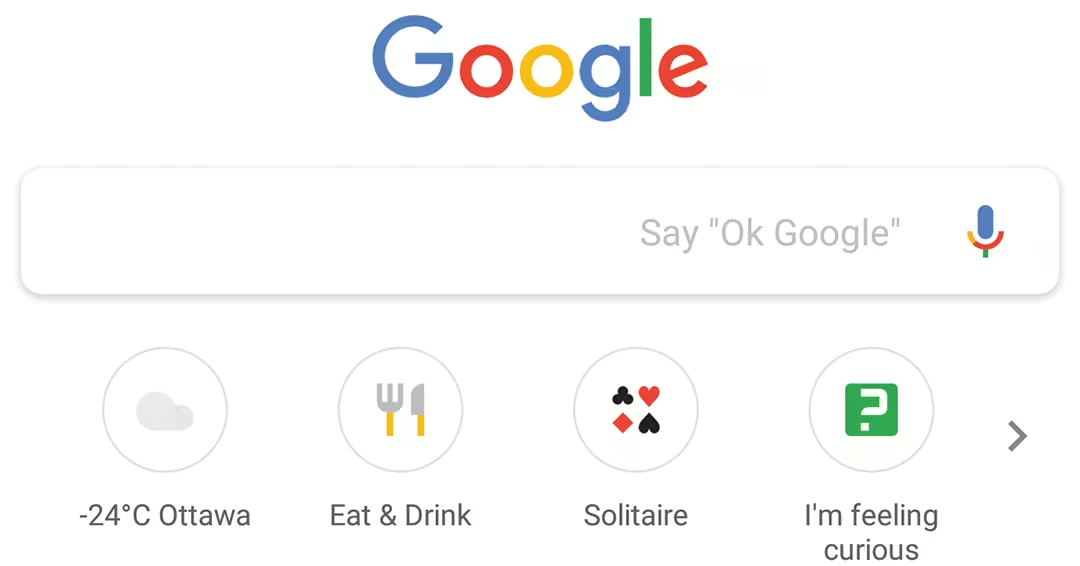
I’ve noticed that the Feed content in the Google App likes to refresh often here’s a how-to DISABLE Google’s Feed content in the Google app.

How-to disable google's feed content in the google app

Shopping Gallery

Many people make use of the Feed that is provided in the Google App, the advantages are that Google delivers content that is of interest to you. In reality, if you aren’t making use of the Google launcher, what’s the point of the feed? It’s not like you’ll be getting the content to view it. So why not just disable it? How-to DISABLE Google’s Feed

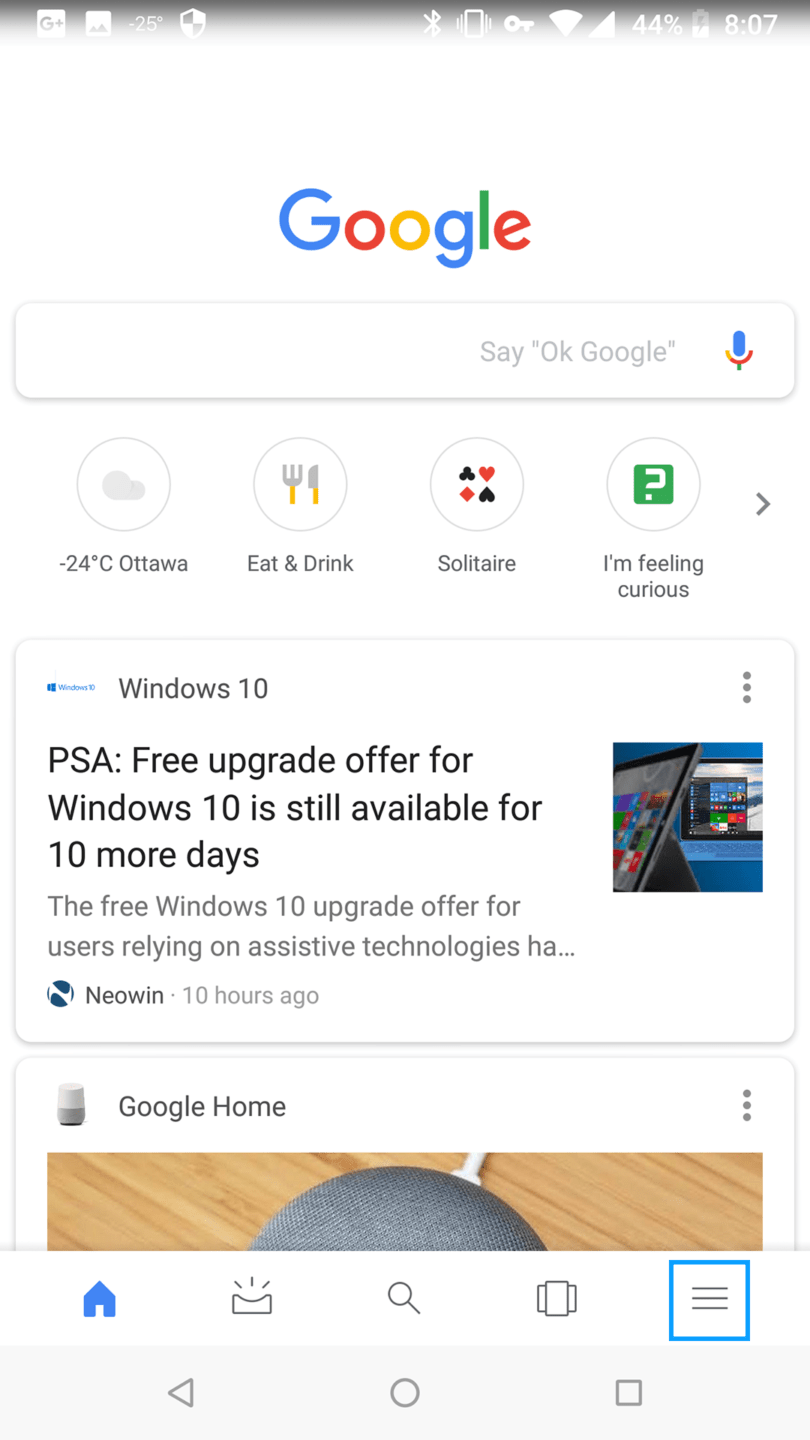
  • From the Home screen, go into the “APP” drawer.
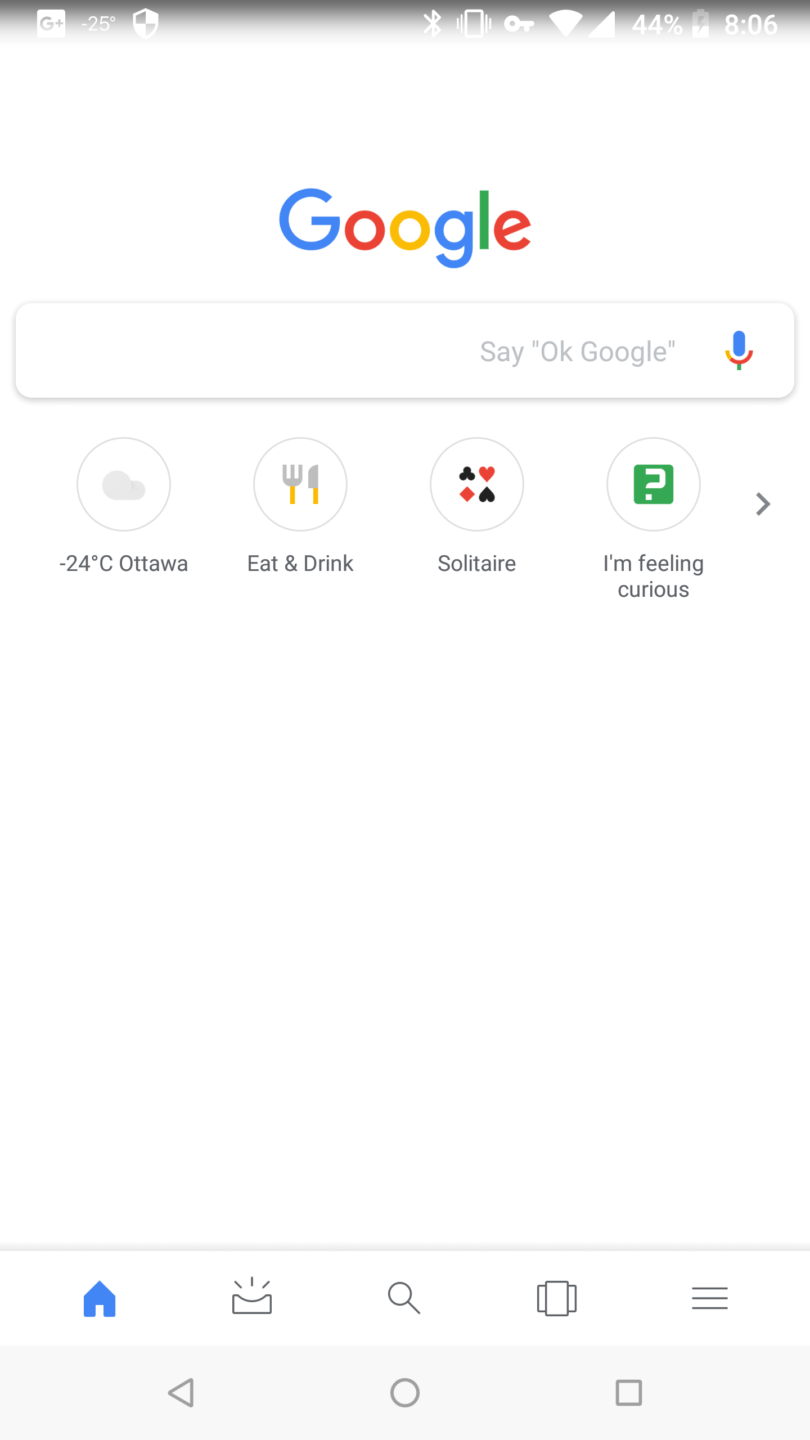
  • Choose “Google“.
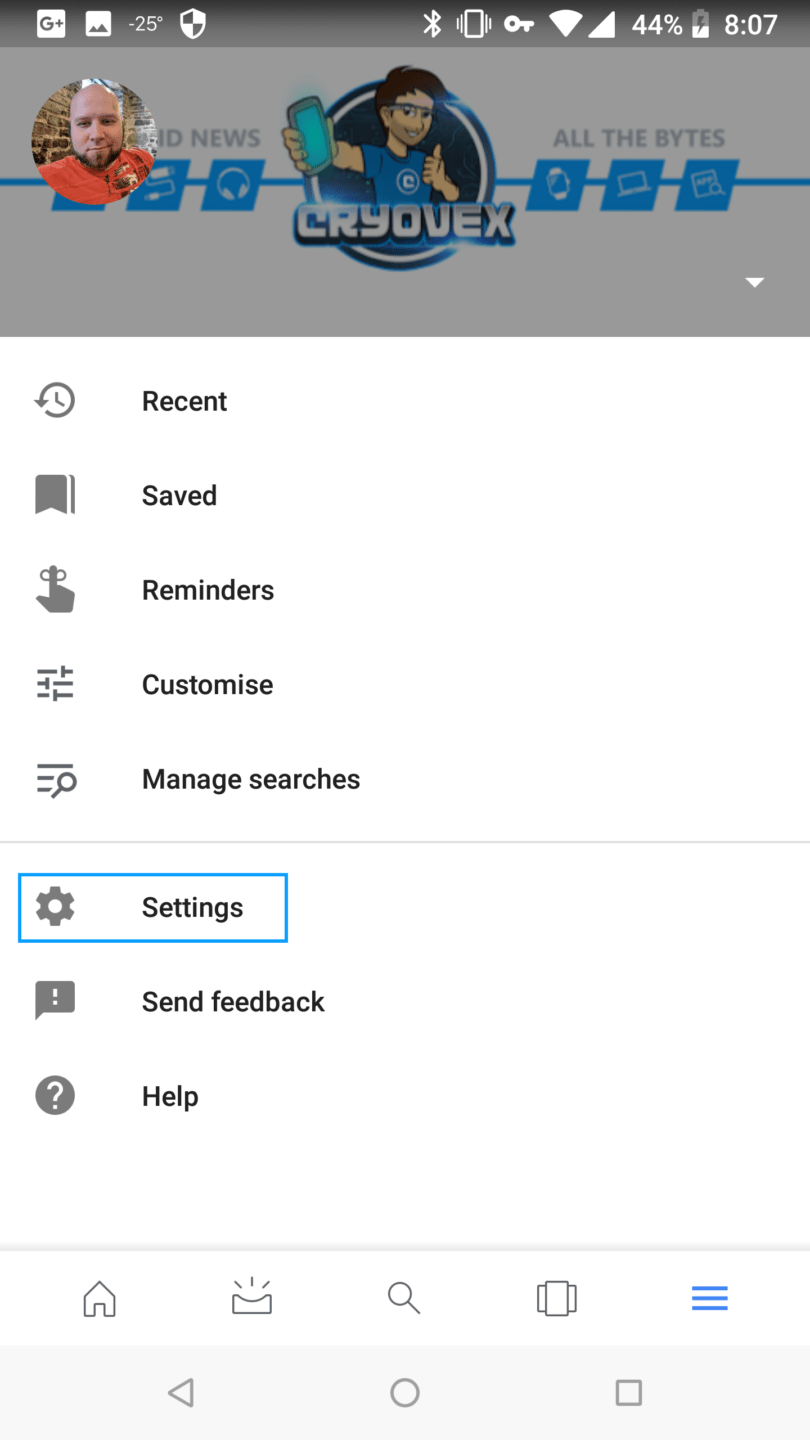
  • Tap the “Hamburger Menu” button in the bottom-right corner.
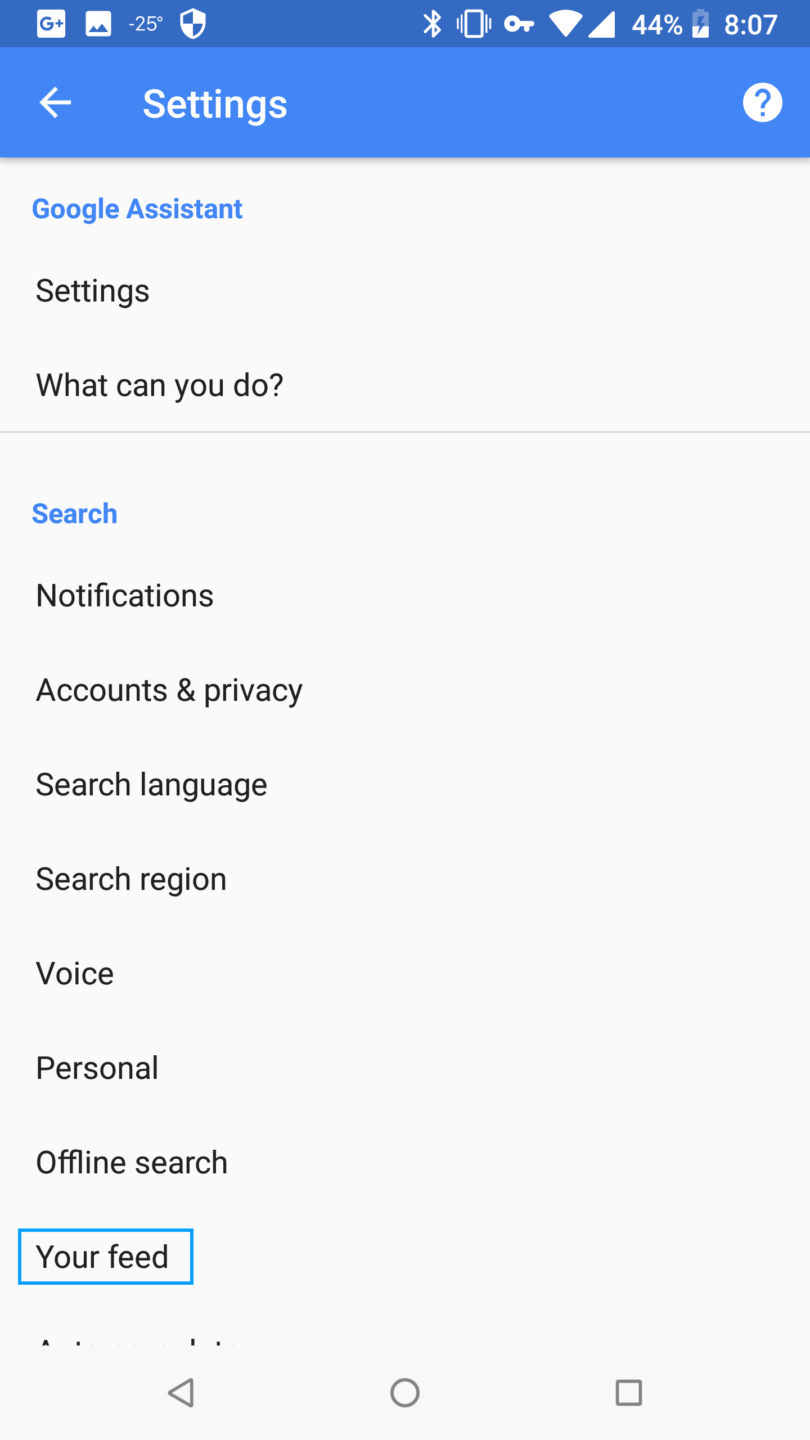
  • Select “Settings“.
  • Choose “Your feed“.
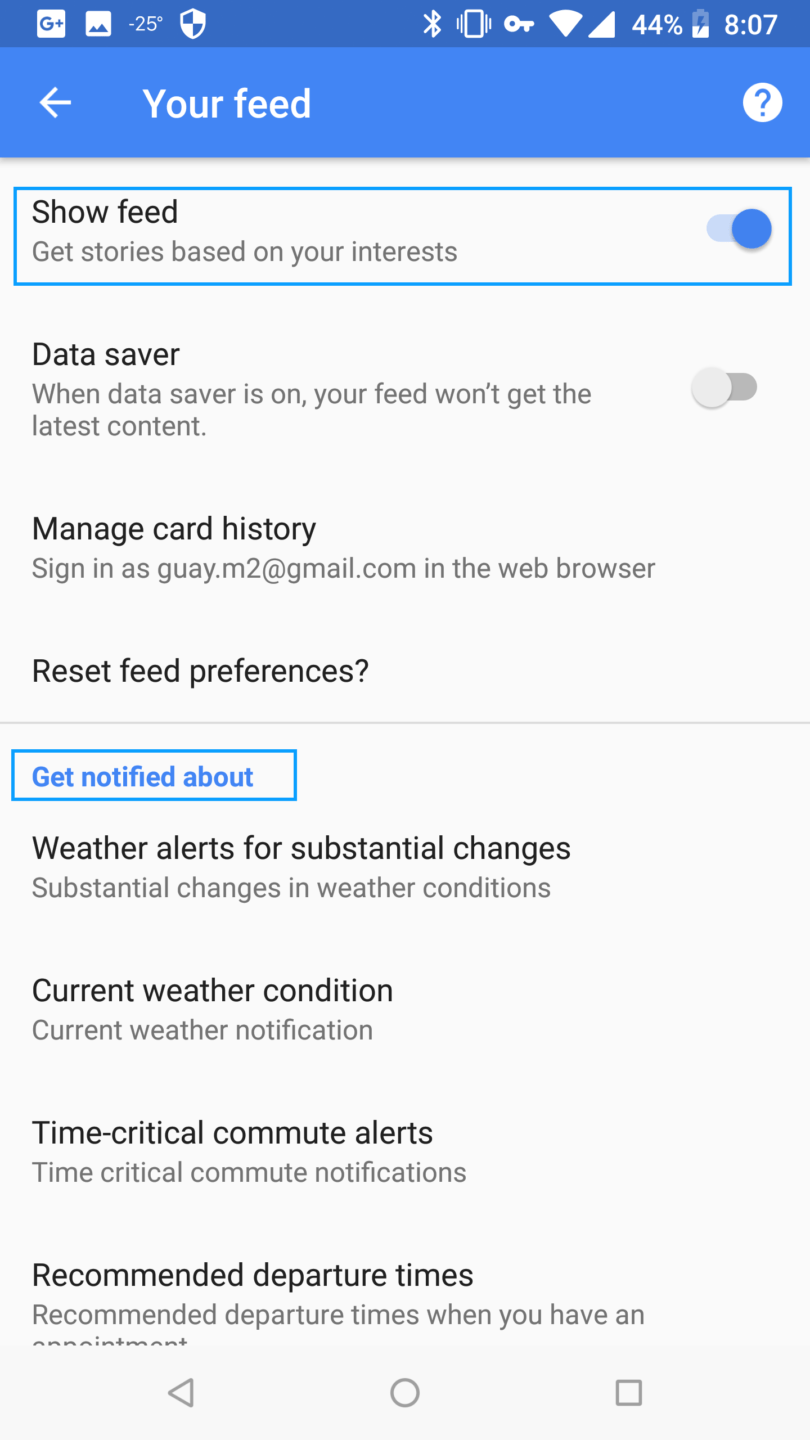
  • Set the settings on the screen as desired:
    • The “Get notified about” setting controls whether or not updates display in the notification area. Each option allows you to configure what you’d like to get information about.
    • The “Show Feed” setting turns the entire Google Now feature on and off. When selected, you can also choose to delete your Google Feed preferences and disable Google Feed on all the devices tied to your account. How-to DISABLE Google’s Feed

I’ve included a few screen capture that should help you in case you aren’t entirely sure.
How-to disable google's feed content in the google app | screenshot 20180106 080702 | review by cryovex How-to disable google's feed content in the google app | screenshot 20180106 080719 | review by cryovex How-to disable google's feed content in the google app | screenshot 20180106 080728 | review by cryovex How-to disable google's feed content in the google app | screenshot 20180106 080734 | review by cryovex How-to disable google's feed content in the google app | screenshot 20180106 080645 | review by cryovex

- Advertisement -
Surfshark VPN app connected on smartphone promoting fast VPN for unlimited devicesSurfshark VPN app connected on smartphone promoting fast VPN for unlimited devices
Share This Article
Martin Guay
Chief Editor
Follow:
I write, talk about technology, gadgets, the latest Android news as much as any other fellow geek, nerd, or enthusiast does. I work in the IT field as a System Administrator, and I enjoy gaming when possible. I'm into plenty of things, and you can usually find me around Ottawa, Canada!For all business inquiry email business-inquiry [@] cryovex [dot] com.