Local Processing for Legacy Footage
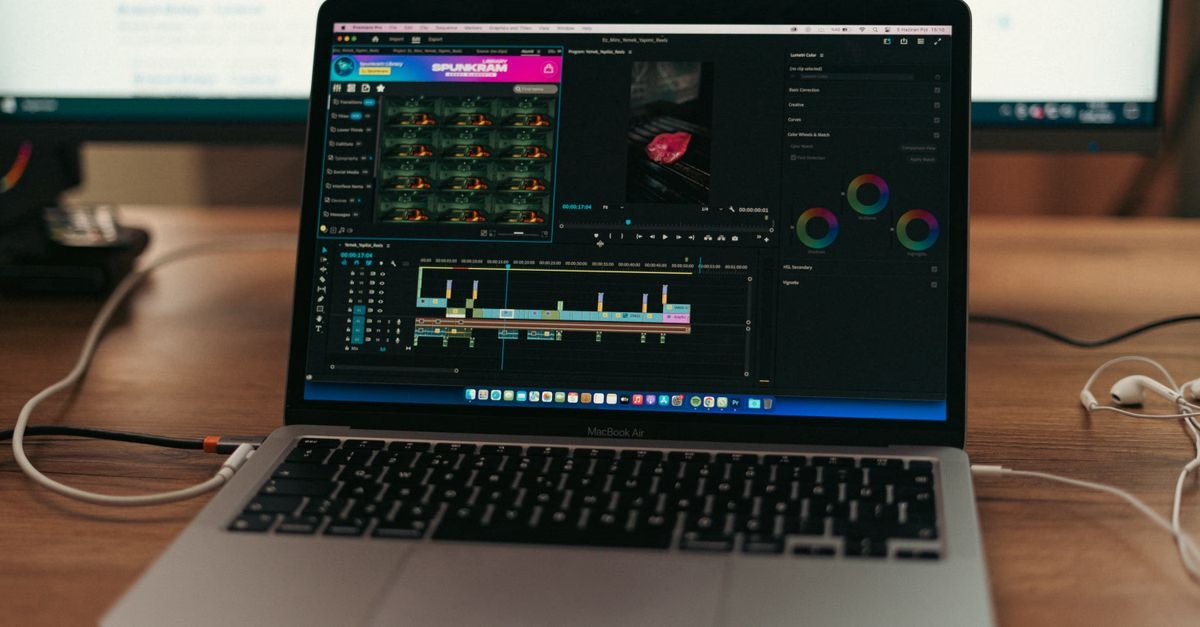
TechPowerUp has highlighted Aiarty Video Enhancer, a desktop application designed to improve existing video files using artificial intelligence. Unlike browser-based solutions such as NVIDIA RTX Video Super Resolution, which enhance content during playback, this tool focuses on exporting improved files. It targets users with large collections of older recordings, compressed clips, or low-resolution footage who need a workflow that addresses noise, blur, and compression artifacts directly.
The application runs on both Windows and macOS. It utilizes dedicated models to sharpen blurry or pixelated footage and increase resolution. A key feature is its ability to handle multiple clips in batches, allowing users to process entire libraries rather than single files one by one. The output resolution can reach up to 4K, providing a significant upgrade from standard definition or lower-quality HD sources.
Hardware Compatibility and Privacy Benefits
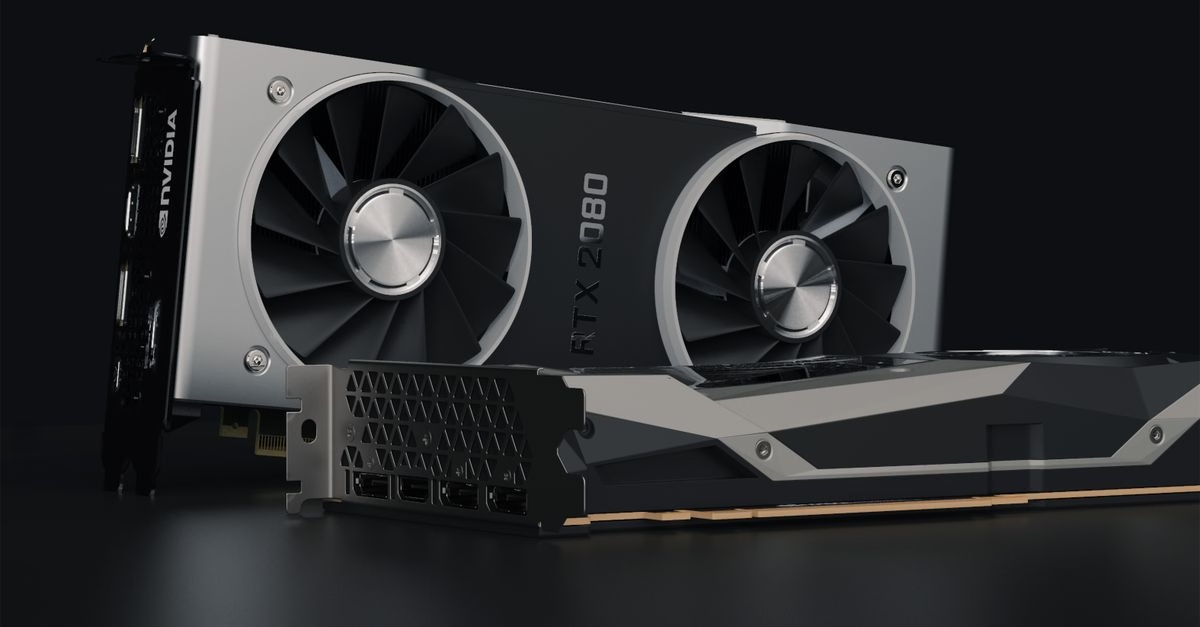
For PC enthusiasts, the primary value lies in utilizing existing hardware for practical tasks beyond gaming. Aiarty Video Enhancer supports NVIDIA, AMD, and Intel GPUs, making it accessible to a wide range of system builders. It also offers CPU processing for those without dedicated graphics cards, though performance will naturally vary based on the processor’s capabilities.
Privacy is another critical factor. The software processes video files locally, meaning no data is uploaded to the cloud. This eliminates concerns about sensitive personal footage being exposed to third-party servers. Additionally, there are no processing credits required, so users pay once for the software rather than subscribing to a metered service for each export.

Currently, TechPowerUp notes a Black Friday promotion offering 45% off the software. This discount lowers the barrier to entry for users considering adding AI-driven restoration to their toolkit. The combination of local privacy, broad hardware support, and batch processing makes it a compelling option for archivists and hobbyists alike.
Assessing the Deal and Limitations
Aiarty Video Enhancer presents a straightforward solution for offline video improvement. While the 45% discount makes it an attractive purchase for those with aging media collections, potential buyers should consider their specific hardware constraints. Local processing relies heavily on GPU power; systems with older or integrated graphics may experience slower render times compared to modern discrete cards.
The tool does not replace professional-grade manual editing but automates common fixes like denoising and upscaling. For users prioritizing privacy and owning their data outright, this local-first approach offers distinct advantages over cloud-based alternatives. As with any software purchase, verifying compatibility with your specific OS version and hardware configuration remains advisable before committing to the long-term workflow change.