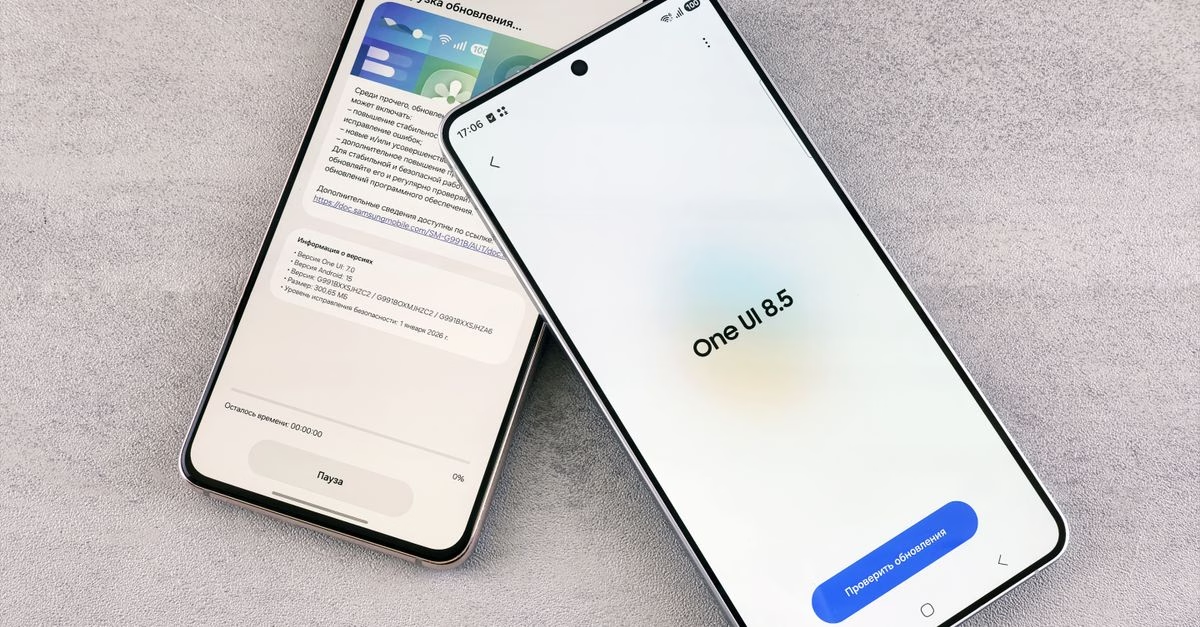
Key Adjustments for Cold-Weather Usage
As temperatures drop, BGR has outlined five specific Samsung Galaxy features that users should configure to better handle winter conditions. The report emphasizes that while hardware durability is important, software settings play a crucial role in maintaining usability when daylight fades and gloves become standard attire.
The recommended changes include enabling Sleep mode, activating Dark Mode, and switching to grayscale displays. These adjustments are designed to minimize screen brightness and color intensity, which can be harsh on eyes during darker evenings. Additionally, the article suggests setting up Samsung Weather and emergency alerts to keep users informed about severe conditions without needing to constantly check external sources.
Reducing Strain and Enhancing Safety
Why bother changing your phone’s appearance? Shorter days mean more time spent looking at screens in low-light environments. Standard bright displays can cause significant eye strain and disrupt circadian rhythms if used late into the evening. By enabling Dark Mode and grayscale options, users reduce blue light exposure and overall visual fatigue, making nighttime scrolling less taxing.
Furthermore, winter brings unique safety challenges. Ensuring emergency alerts are active guarantees that critical weather warnings—such as blizzard or extreme cold advisories—reach you immediately. This proactive setup removes friction from accessing vital information, allowing users to react quickly to changing conditions without manually searching for updates.

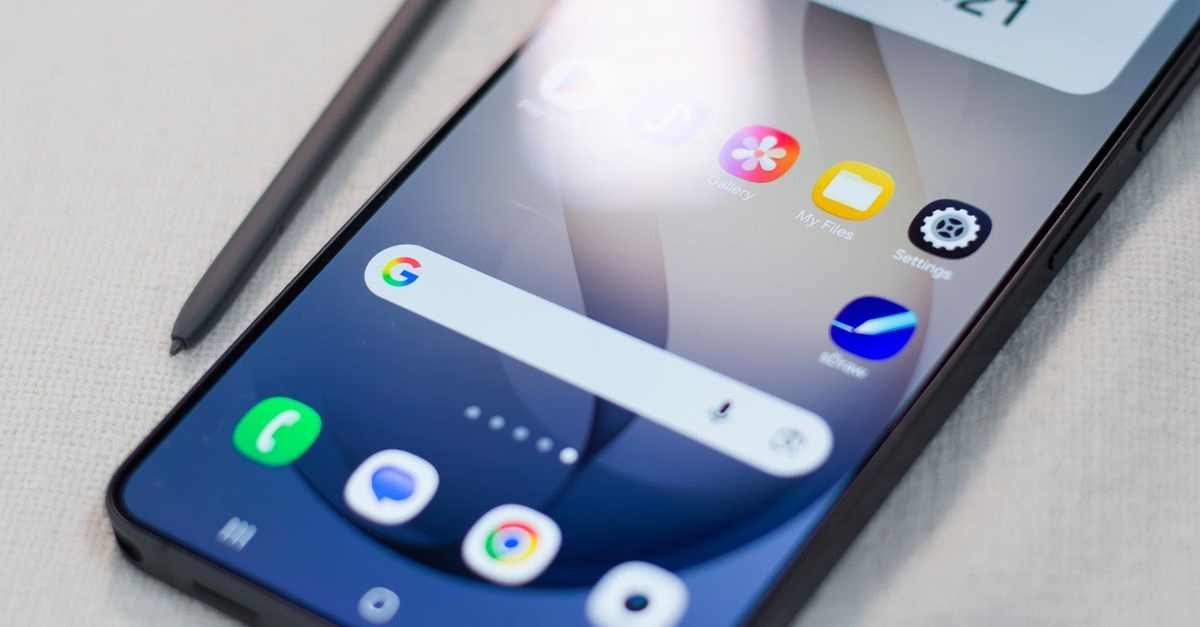
Simple Tweaks with Practical Benefits
Configuring these settings takes only a few minutes but offers tangible benefits throughout the season. While no single feature transforms a smartphone into a survival tool, combining reduced screen glare with immediate access to weather data creates a more resilient daily experience.
Users should verify their current notification settings and display preferences now, rather than waiting until a storm hits. These small software adjustments complement physical precautions, ensuring your device remains a helpful companion rather than a source of distraction or discomfort during the coldest months.