
The End of the Classic Search Bar Layout
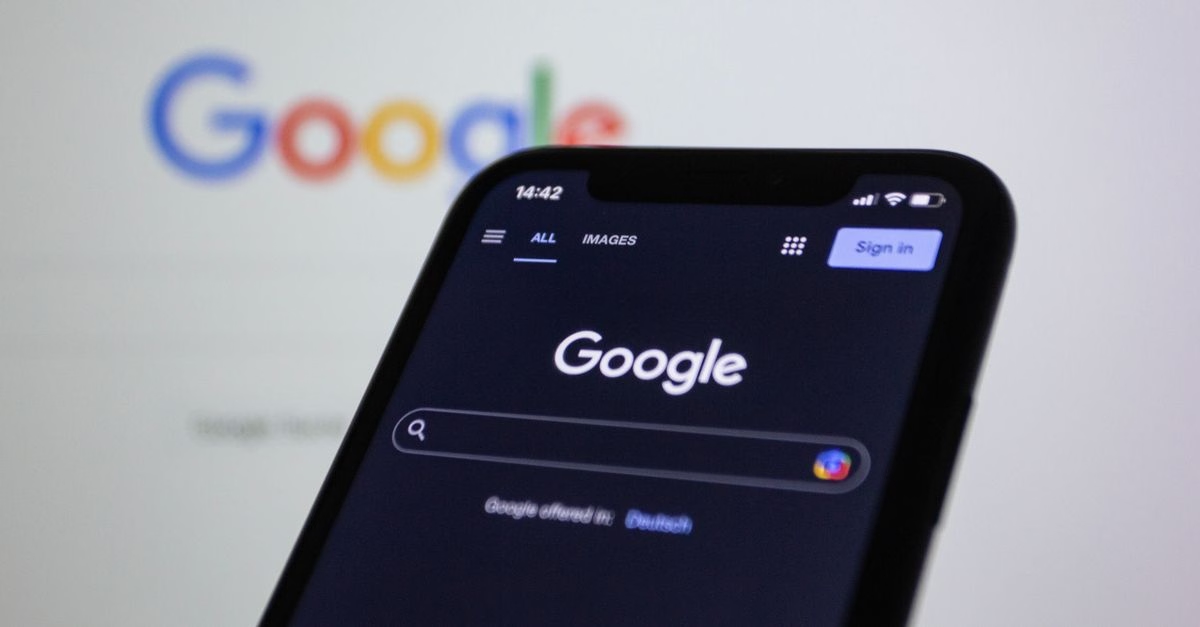
Google has fundamentally altered how users interact with its search homepage. In a move reported by Ars Technica, the company has removed the traditional search button that sat below the input field. This element, long considered a staple of the Google experience, has been replaced by a suite of new buttons dedicated to artificial intelligence features.
The redesign introduces an AI sidebar directly onto the main page. This sidebar provides immediate access to tools like image generation and a view of past AI chat interactions. Instead of typing a query and pressing enter, users can now click specific icons to launch these AI modes. The change signals a shift from search as a simple retrieval mechanism to search as a hub for generative AI tasks.
Frictionless Access to Generative Tools
This layout change prioritizes speed and visibility for AI features. By placing image generation and chat history shortcuts directly under the search bar, Google reduces the number of clicks required to access these tools. For users who frequently switch between traditional keyword searches and complex AI prompts, this integration streamlines the workflow.
The inclusion of AI chat history on the homepage also suggests a push toward continuity. Users no longer need to navigate to a separate app or tab to resume previous conversations. This design choice reinforces Google’s strategy of embedding AI deeply into everyday utilities rather than keeping it siloed in experimental products. It makes the technology feel less like an add-on and more like a core component of the search experience.

Unanswered Questions on User Control
While the redesign offers convenience, it raises questions about user preference and clutter. Not every searcher wants immediate access to AI tools; some may prefer the minimalist aesthetic that defined Google for decades. There is currently no clear indication in the source material regarding whether users can revert to the old interface or disable these new sidebar elements entirely.
As this rollout continues, watch for feedback on whether this forced integration improves productivity or simply adds visual noise to the most visited website in the world. The success of this change will likely depend on how seamlessly the AI sidebar coexists with traditional search results without overwhelming the user.